

Many people wonder how to convert a YouTube video into an MP3. Whether it's a song that never made it to Spotify, a podcast episode buried inside someone's channel, or a lecture you'd rather listen to on your commute than sit and watch.
The problem is that most of the free converters you'll find with a quick search come loaded with pop-up ads, bounce you through a couple of other sites first, or hand back a file that sounds noticeably worse than what you started with.
Converting YouTube to MP3 isn't always straightforward
YouTube was built for streaming video, not for handing over audio files. There's no built-in "save as MP3" button, and most of the free web converters that promise one are supported by ads, bundled software, or links that don't lead anywhere useful.
YouTube Premium gets you partway there. It'll play a video in the background with your phone screen off, which is fine if you just want to half-listen to something on the couch. But you never actually get a file out of it. Cancel the subscription and that access disappears too, and there was never a way to move the audio onto a different device or app in the first place.
If you want real MP3 files you can keep, organize, and play on any device, you need a dedicated converter, such as 4K YouTube to MP3.
How to convert YouTube videos to MP3 with 4K YouTube to MP3
Converting a video takes about as long as it takes to copy and paste a link.
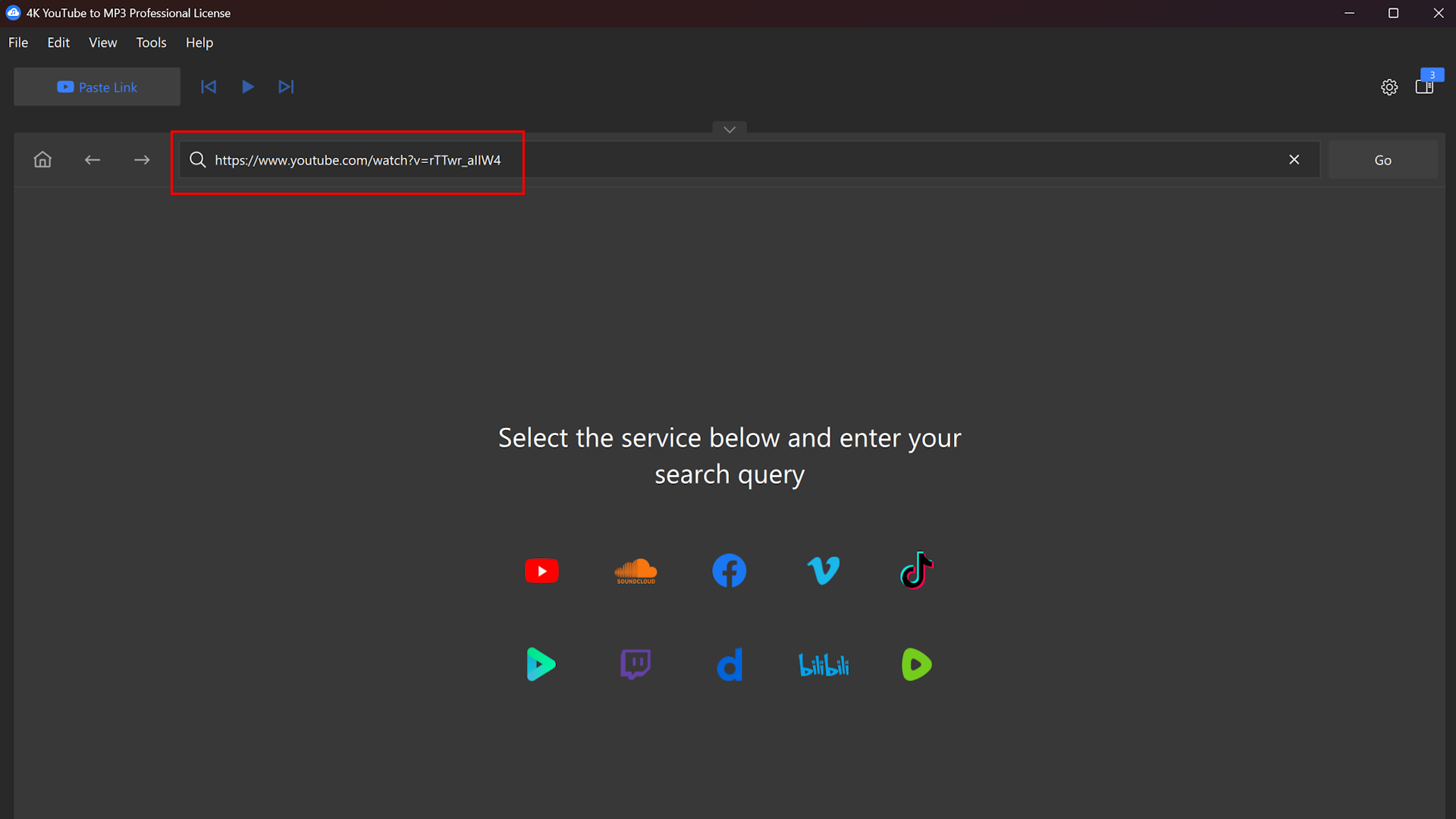
- Copy the video link. Find the video, playlist, or channel on YouTube (or other supported site) and copy its URL.
- Paste the link into the app. Open 4K YouTube to MP3 and click "Paste Link." The app reads the link and pulls up the available audio.
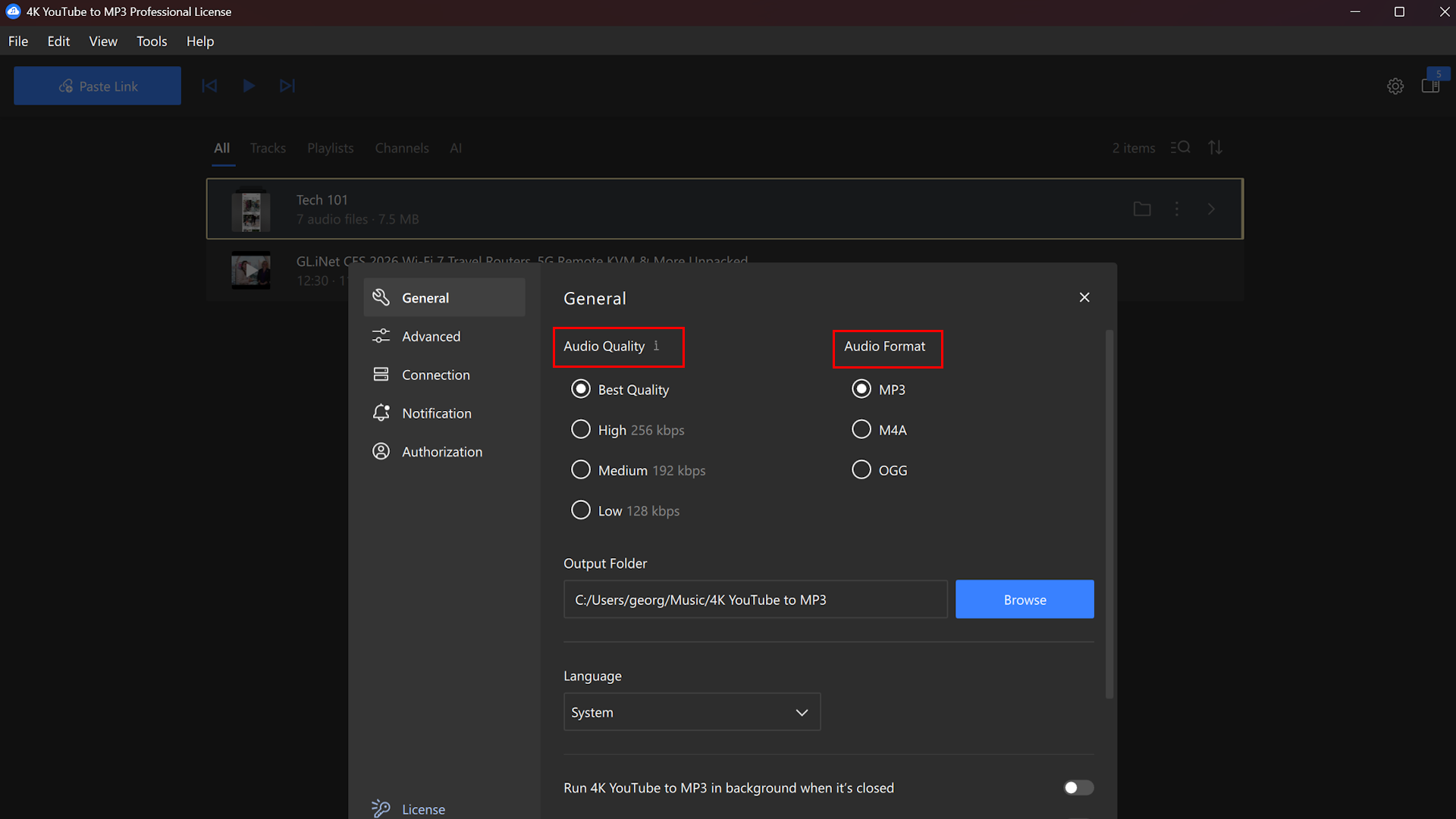
- Pick your format and quality. Choose MP3, M4A, or OGG, and set the quality that suits you, or keep the original quality from the source with no extra conversion.
- Convert and listen. The audio file downloads straight to your device, ready to play offline in any music app or, if you'd rather not open a separate app at all, in 4K YouTube to MP3's own built-in player.
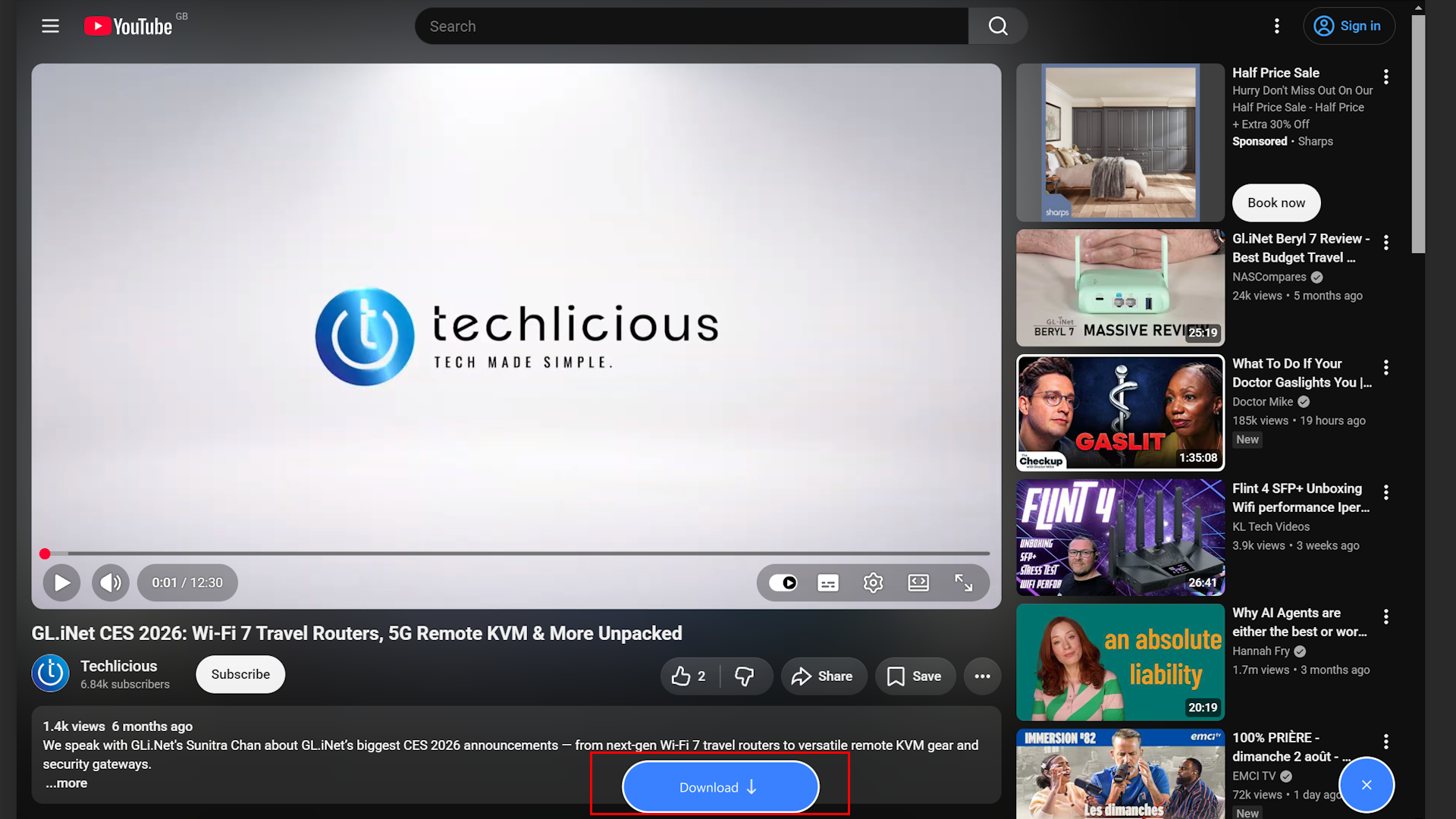
You don’t need to change the settings every time you want to convert a YouTube video to MP3. Once you've set your preferred format and quality, the app remembers it for next time.

Download whole playlists and channels in one click
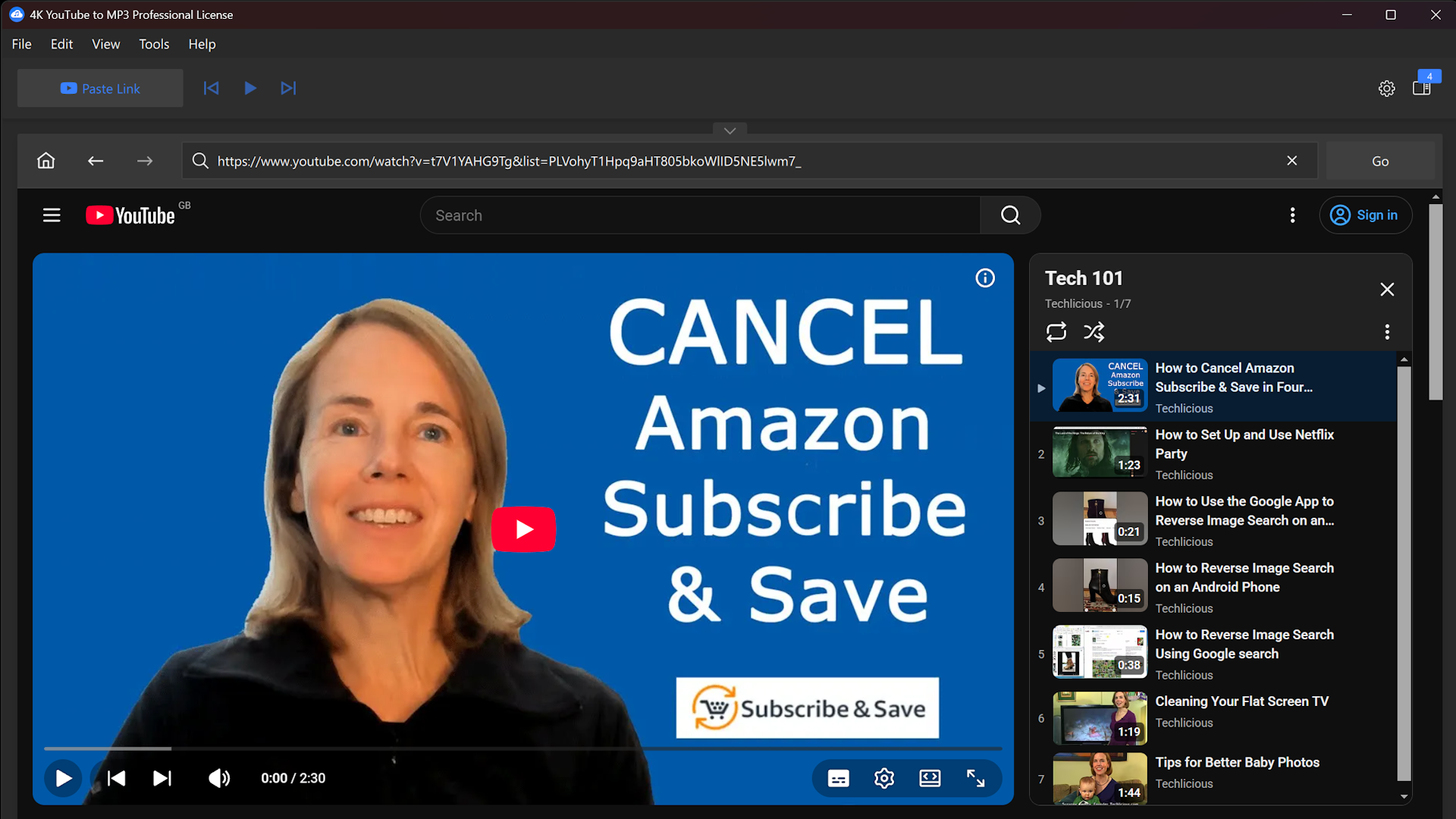
Rather than converting videos one at a time, you can paste a playlist or channel link and let 4K YouTube to MP3 work through the whole thing. Say someone's uploaded an audiobook split into forty separate videos, or you want an artist's entire back catalogue instead of clicking through one track at a time. One link, and the app gets on with it. You can also drop in a handful of separate video links together if you're pulling tracks from a few different channels rather than one playlist.
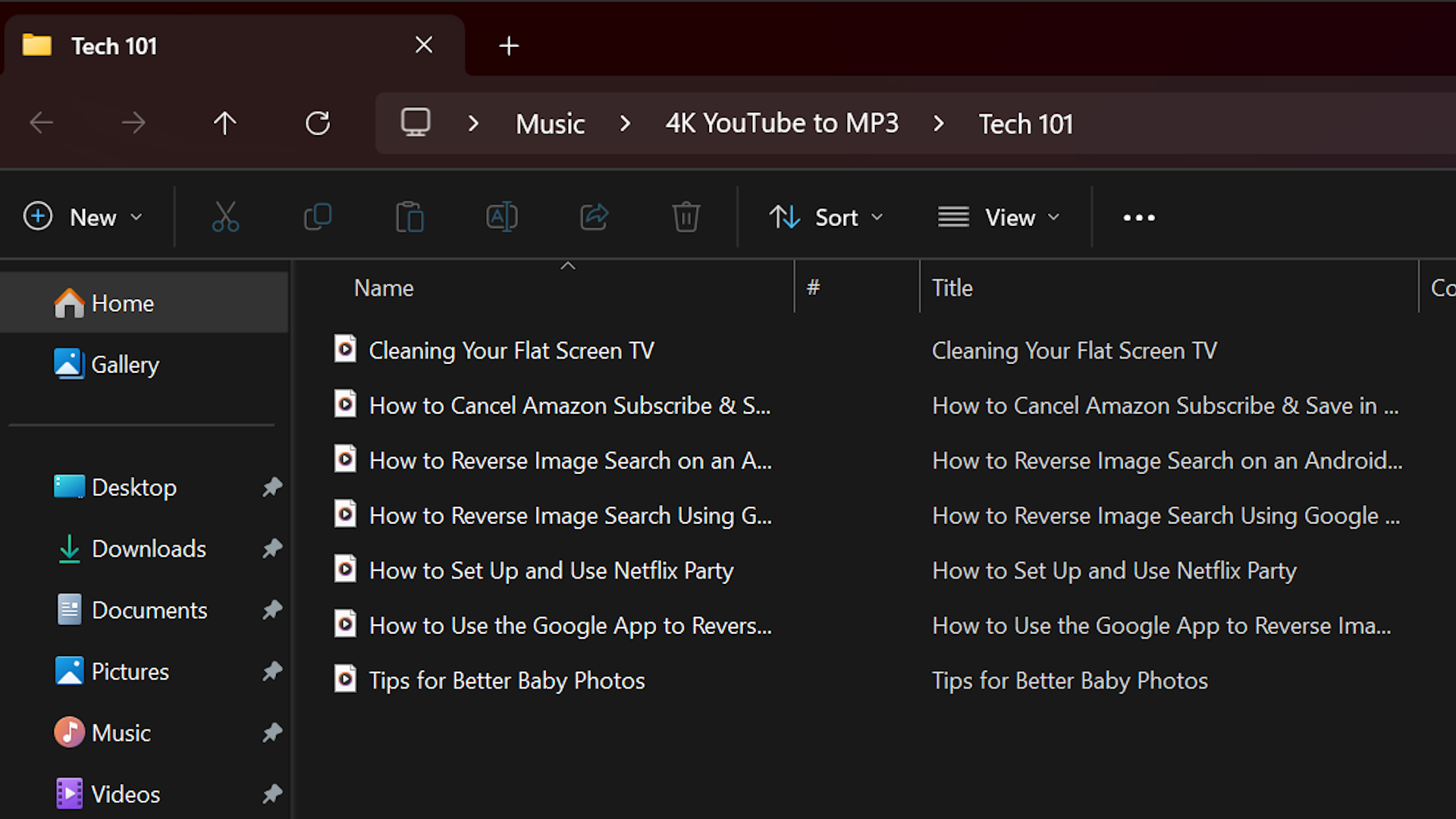
The app sorts everything into subfolders automatically and tags each file with the track name, so your downloads stay organized without any manual intervention.
Getting better audio quality
Audio quality depends on what's available from the source, and 4K YouTube to MP3 gives you a few ways to get more out of it. You can save files at their original quality with no re-encoding, or adjust the quality yourself to shrink the file size. If you're a YouTube Premium subscriber, the app can also pull audio at up to 256kbps, higher than what you'd get through a standard download.
For anything that needs cleaning up, the built-in AI Audio Studio can isolate speech, remove background music, or strip out noise and echo from a recording. If you've recorded a talk where the air conditioning kept humming in the background, or you've found a song and just want the vocals without the instrumental underneath, 4K YouTube to MP3 is built to handle it.
Built-in browser and access to restricted content
4K YouTube to MP3 also has a built-in browser, which makes it easier to search for and convert content that's age-restricted or private, including your own "Watch Later," "Liked videos," and "My Mix" playlists. You sign in once inside the app, and everything else happens there, without switching between tabs.
4K YouTube to MP3 is available across a few pricing tiers. The Starter license is free and gives you permanent access to the core features, with no trial period and no card details needed. For more advanced use, there's a Lite plan at $10 a year, a Personal license for $15 as a one-time purchase, and a Pro license for $45 as a lifetime option with commercial use included.
You don't need any technical know-how to use it, and you don't need to change how you already watch or listen on YouTube. If turning videos into playable audio has always felt more complicated than it should be, 4K YouTube to MP3 makes the process about as simple as it can get. As with any converter, check each platform's terms of use before saving content.
You can learn more about 4K YouTube to MP3 or download it at 4kdownload.com.

