

Last year’s MGM Resorts data breach settlement finally began paying out in December 2025, and if you’re part of the settlement class, you have a few options for how you can receive your payment. The settlement stems from two separate incidents in July 2019 and September 2023 in which unauthorized parties accessed MGM’s systems and potentially exposed guests’ personal information. MGM agreed to a $45 million nationwide class action settlement to resolve those claims – covering names, addresses, birthdates, and, for some people, more sensitive identifiers like driver’s license or Social Security numbers.
Under the terms of the deal, class members who filed a claim before the June 3, 2025, deadline may receive cash payments based on what data was exposed. The settlement breaks this down into three “tiers”: roughly $75 if your Social Security or military ID was exposed, $50 for passport or driver’s license exposure, and about $20 if only basic info like your name and address was involved. There was also the option to seek reimbursement for documented losses up to $15,000, but most people will fall into one of those flat cash tiers.
Now that the settlement has been approved by the court, payments began on December 12, 2025. Class members should have received an email from “MGM Data Incident Litigation Settlement Administrator”with a link to claim your settlement, so be on the lookout for it. The settlement fund lets you choose from several payout methods – prepaid Mastercard, PayPal, Venmo, paper check, or direct deposit – but each has practical trade-offs:
- PayPal and Venmo: Convenient, but you may incur withdrawal or transfer fees depending on how you move the money to your bank.
- Direct deposit: Fastest, but some people understandably hesitate to enter their bank details on a legal settlement site.
- Paper check: Works, but means waiting for the mail and then making a trip to deposit it.
- Prepaid E-Mastercard: A solid middle ground – no bank info needed and no transfer fees.
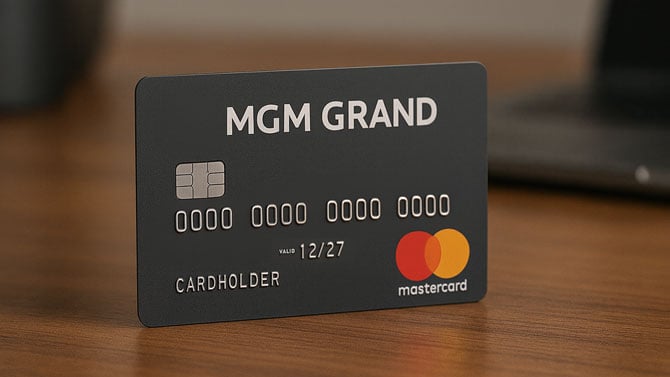
If you picked the prepaid Mastercard option, you might be wondering what to do with a card loaded with, say, $59.34. That’s what I received on my virtual prepaid Mastercard, and the good news is: you can add it to your Amazon account and use it there directly.
Adding a prepaid Mastercard to Amazon as a payment method works just like adding any other credit or debit card. Once added, you can either use the card at checkout or, better yet, redeem the balance into your Amazon gift card balance. That effectively turns your settlement funds into Amazon credit you can spend over time without worrying about partial charges or leftover balances on the prepaid card. For step-by-step instructions on how to add prepaid cards to Amazon and reload your gift card balance, see our Techlicious guide: How to Use Mastercard, Visa, and Amex Gift Cards on Amazon.
[Image credit: Suzanne Kantra/Techlicious via ChatGPT]

