

Image credit: Palash Volvoikar/Techlicious, generated with Gemini
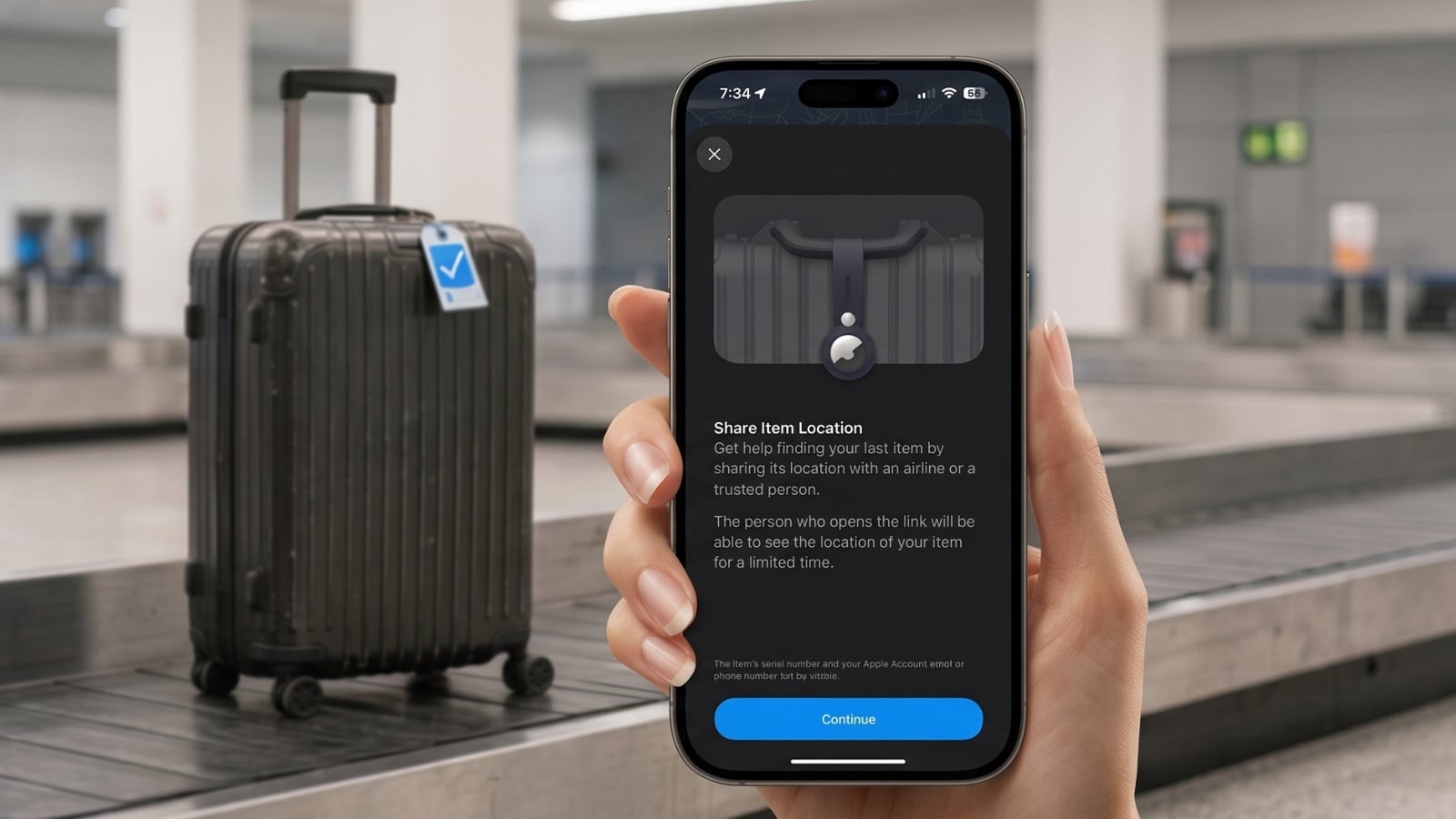
If you keep an AirTag in your checked bag, there's a feature on your phone you might not be aware of. Apple's Share Item Location will let you give an airline a temporary link to your tag's location, so the person handling your lost-bag report can see where your suitcase is instead of taking your word for it. Apple added it back in iOS 18.2, so it has been available for a while, and there's nothing to switch on in advance. The option is just buried far enough down in Find My that you're likely to miss it while standing at the missing baggage desk.
What the airline sees when you use Share Item Location
The link generated by Share Item Location will open a web page rather than the Find My app. Whoever you send it to doesn't need an iPhone, though they will have to sign in, either with an Apple Account or with Apple Partner credentials if they work for the airline. From there they can see your item's most recent location on a map, which will keep updating as the tag reports its location. They'll also see the phone number or email attached to your Apple Account, along with the item's serial number.
The link will expire on its own after seven days. Apple will also cut it off early once you and the bag end up in the same place, or whenever you decide to stop sharing, so you're not leaving your item's location permanently exposed.
Where to find Share Item Location in the app
Open Find My and go to the Items tab, then tap the item you want to share. Scroll down to the section headed Lost Item, where you'll see two options: Show Contact Info, which lets a stranger who finds your bag get in touch with you, and Share Item Location, which is the one the airlines use. Tap that, read the explainer screen, and tap Continue.
Those two can be easy to mix up. Show Contact Info will let anyone access your details by tapping their phone against the tag, and it will stay up until you switch it off. Share Item Location will give you a link you can pass to one specific person, with the seven-day timer running on it.
The found luggage numbers are better than I expected
SITA (Société Internationale de Télécommunications Aéronautiques), runs the WorldTracer system most airlines use to trace your missing bag. It published figures on the first year of the Find My Share Item Location integration in December 2025. For bags carrying an AirTag or Find My accessory with location sharing switched on through WorldTracer, SITA reported that the number of truly lost bags fell by 90 percent. Airlines using the feature also saw a 26 percent reduction in how long it took them to recover a delayed bag.
SITA gives useful context on the scale of the problem, too. Mishandling is reported at 6.3 bags per thousand passengers, and if you do lose yours, you've got roughly a two-thirds chance of finding it in under 48 hours.
Does your airline support Share Item Location?
Apple says it has "partnered directly with more than 50 airlines" that will accept Share Item Location links from you. However, Apple hasn't published a full list of these airlines. The carriers named are the 18 from the original launch, so you can at least count on Delta, United, British Airways, Lufthansa, KLM, Qantas, Singapore Airlines and Turkish. SITA's December release says 29 airlines use the Apple integration inside its WorldTracer system.
So, if your bag goes missing, you can just generate the link and offer it when you file the report. An agent who can't use it will tell you, and there's no downside to asking.
It isn't only for AirTags
Apple's says Share Item Location supports "an AirTag or Find My network accessory," so anything that's certified for Find My will qualify.
If you're on Android, Google has built the same feature into Find Hub, which launched in March. Google's list of supported airlines is significantly smaller than Apple's: Ajet, Air India, China Airlines, Lufthansa, Austrian, Brussels, Swiss, Saudia, SAS and Turkish, with Qantas listed as coming. The list doesn't have a US carrier on it, and four of those ten are Lufthansa Group. Chipolo and Pebblebee both sell Find My and Find Hub versions of the same hardware, and any single unit will only be able to talk to one network at a time.
Two popular trackers won't work, however. If you own a Tile or a Samsung SmartTag, neither work with Apple's or Google's systems, because both run on their own separate networks.
The trackers I recommend for your luggage
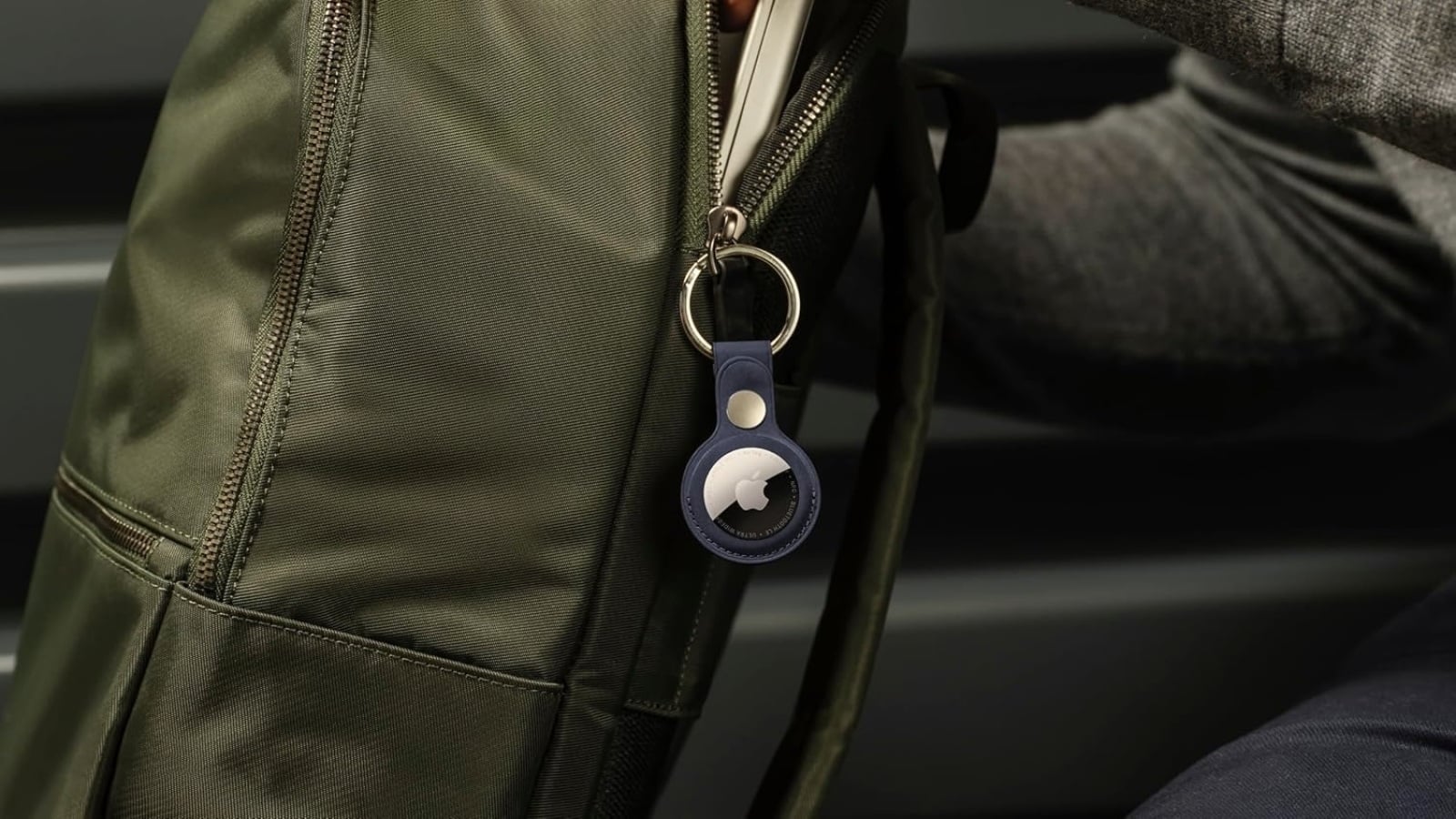
Image credit: Apple
Apple AirTag 2: The one to get if you're on an iPhone
The second-generation AirTag ($24 for a single tag, $89 for a four-pack) is the one to get if you use an iPhone, and it gives you Precision Finding, the ultra-wideband mode that puts an arrow and a distance on screen and walks you to the tag. Apple says that range is about 50 percent longer than on the old model, and the speaker 50 percent louder, so you should hear it from around twice as far as before.
You'll have to change the user-replaceable CR2032 about once a year, and the IP67 rating covers a meter of water for half an hour. If you'd rather hang it off a bag handle than bury it inside, Belkin's Secure Holder with Key Ring is $12.95, or $19.99 for a twin pack, and you have to twist it shut so the tag can't drop out. For a checked bag I'd still recommend putting the tag inside the bag as-is, where nobody can unclip it.
CHECK PRICE ON AMAZON – SINGLE TAG
CHECK PRICE ON AMAZON – FOUR-PACK
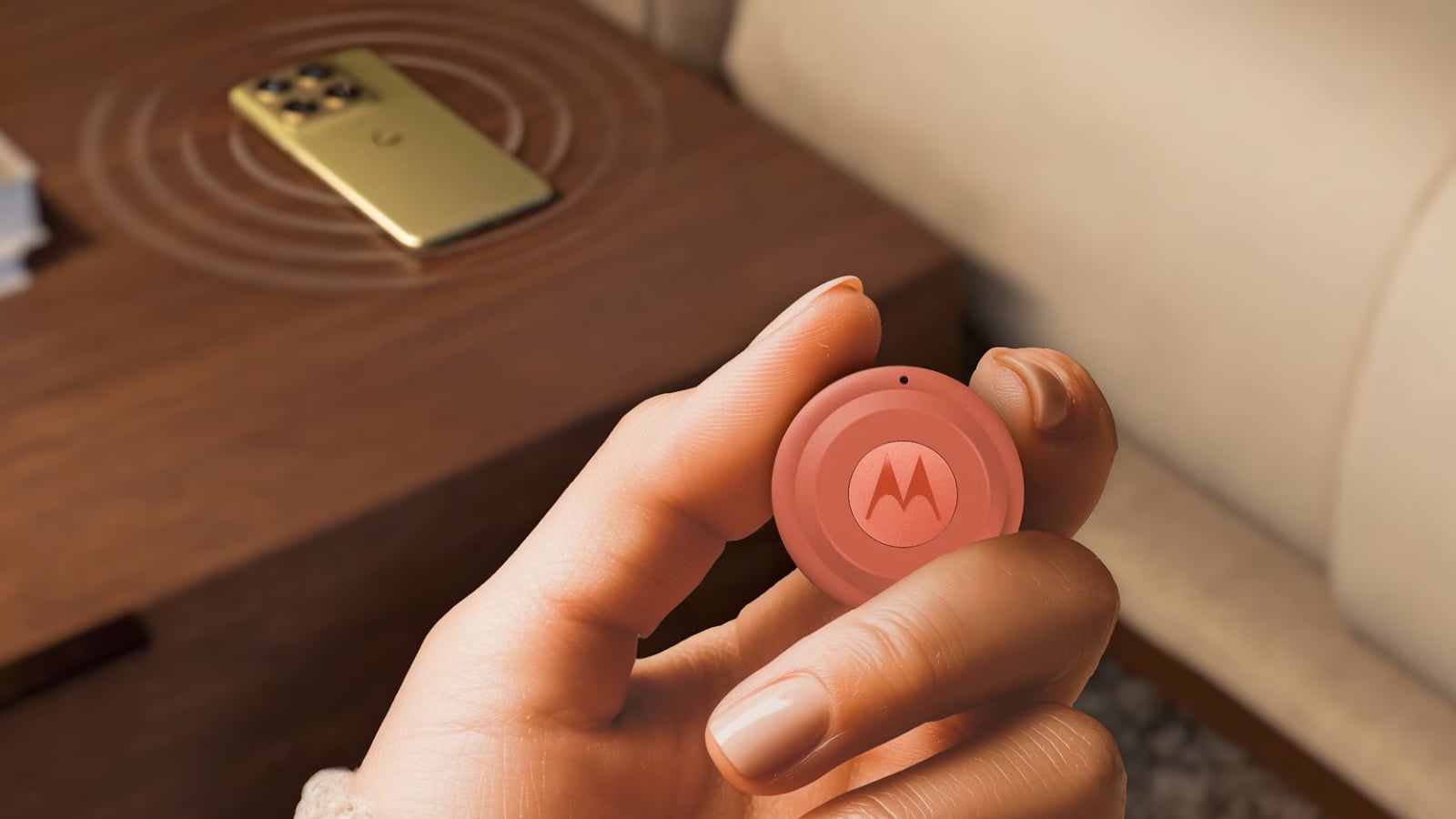
Image credit: Motorola
Motorola Moto Tag 2: The pick for Android owners
The Moto Tag 2 ($34.99 for a single tag, $69.99 for a four-pack) is the Android alternative, and I would recommend the four-pack, since it works out to about half the price per tag. It's currently the only Find Hub tracker with ultra-wideband, which means you'll get the same walk-toward-it arrow that iPhone owners have had for years. This new model has Bluetooth 6.0 with Channel Sounding, a ranging method that measures the signal's actual round trip rather than guessing from signal strength, so the distance it shows you should be closer to the real distance. You'll get over 500 days of use from its replaceable CR2032.
One thing to reiterate before you buy: this one uses Google's network rather than Apple's, so the airline link in this article isn't what you get, and you'd be leaning on Find Hub's much shorter carrier list instead.
CHECK PRICE ON AMAZON – SINGLE TAG
CHECK PRICE ON AMAZON – FOUR-PACK
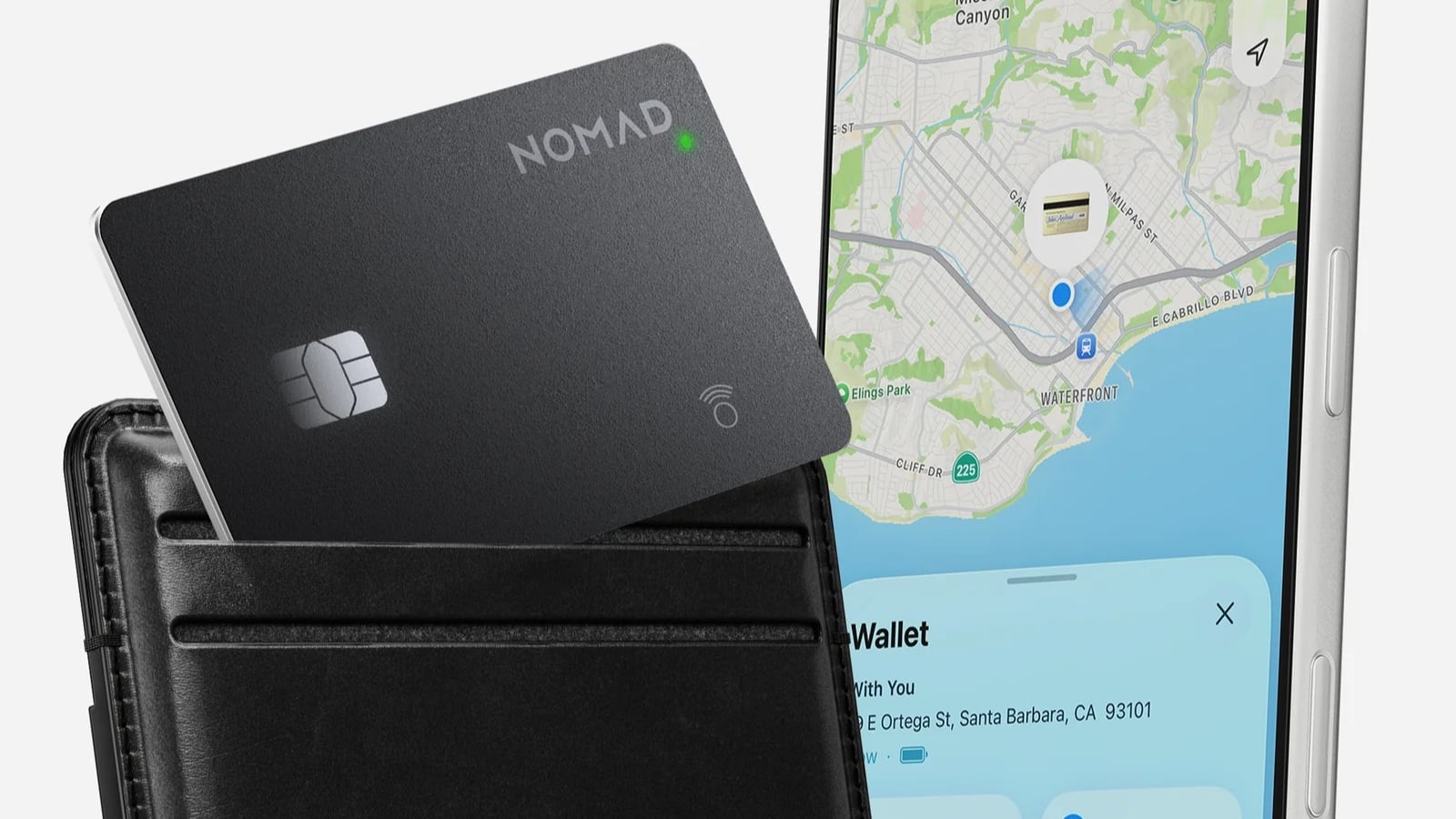
Image credit: Nomad
Nomad Tracking Card Pro: The one I use in my passport holder
The Nomad Tracking Card Pro ($45) is the one I use, and I keep it in my passport holder rather than a bag because I'm worried about misplacing my passport, but you can toss it into your bag too. It's 2.5mm thick, roughly a third of an AirTag, which means you can lay it flat in a wallet or a document sleeve where a disc won't fit. Since it's a certified Find My accessory, the airline link works exactly the way it does with an AirTag.
Nomad says you'll get up to 16 months per charge, and you can top it up on any Qi or MagSafe pad. You also get an IPX7 rating along with TSA and FAA approval. There's no Precision Finding, so you get the map and a 94dB chirp instead. If you're on Android, Nomad's Tracking Card Air is the thinner Find Hub version of this, at $29.
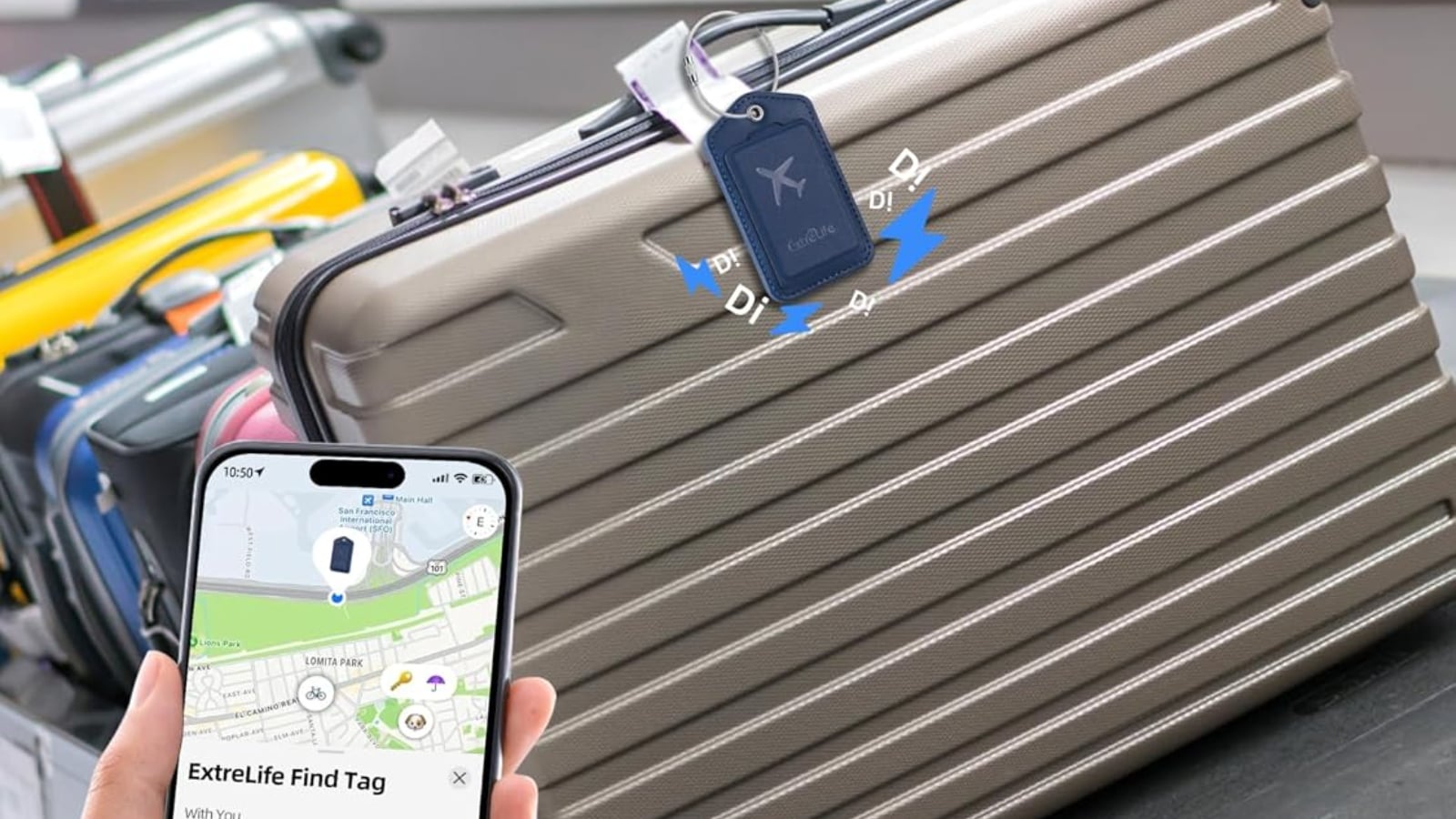
Image credit: ExtreLife
ExtreLife Find My Luggage Tag: A tracker and a luggage tag in one
ExtreLife has integrated a tracker into a luggage tag ($29.99), which means one less item hanging from your bag. You get a steel loop to hold it securely to the handle, plus a magnetic flap that keeps your address hidden while the bag moves through an airport. At 3.62 by 2.17 inches in faux leather, it looks just like an ordinary luggage tag. Since it's a certified Find My accessory, the airline link works the same way.
You can charge it on a regular or MagSafe wireless pad, and ExtreLife rates it for up to six months between charges. There's no ultra-wideband here, so you get the map and a ping with about 160 feet of Bluetooth range behind it rather than Precision Finding.
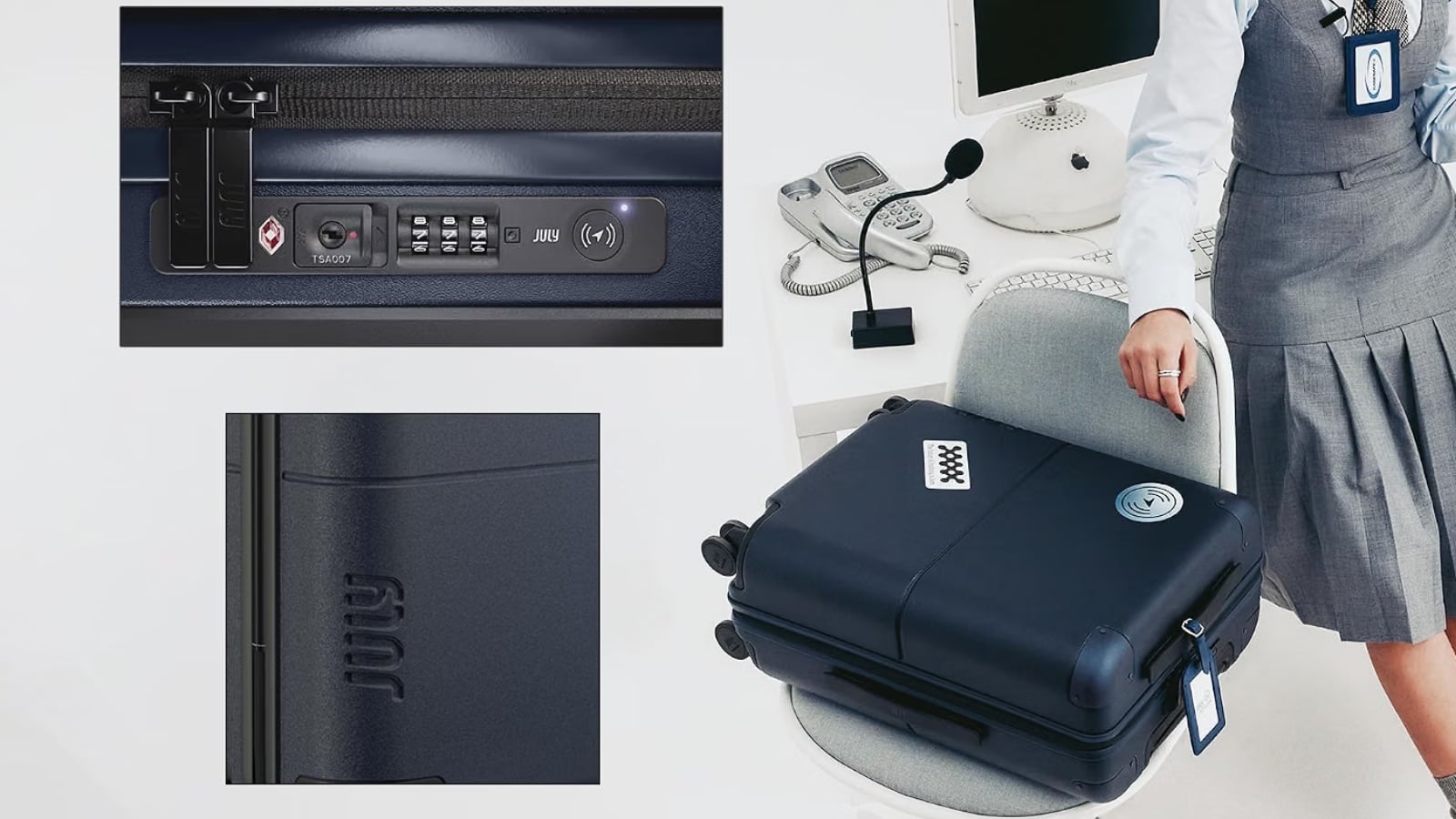
Image credit: July
July CaseSafe: The suitcase with the tracker built in
If you'd rather not think about tags at all, July puts the tracker inside the suitcase, in a TSA-approved lock. It's the only pick here that pairs with either Apple Find My or Google Find Hub, so you're good either way. You're looking at $375 for the 24.5-inch Checked and $395 for the 28.75-inch Checked Plus, while the 20-inch Carry On is $325, with an ejectable battery and USB ports you don't get with the bigger two options.
July says the lock will run about a year on a standard button battery you can change yourself, and your phone will tell you when it's time to replace it. Since it isn't a lithium-ion cell, you won't have to dig anything out before you check the bag in. The Checked is an 80L polycarbonate case with a lifetime warranty on the wheels, zips, handles and straps.
CHECK PRICE ON AMAZON – 20-INCH CARRY ON
CHECK PRICE ON AMAZON – 24.5-INCH CHECKED
CHECK PRICE ON AMAZON – CHECKED PLUS
Frequently asked questions
Do I need to set anything up before I travel?
No, since Share Item Location is something you do after the bag goes missing rather than a switch you toggle in advance. You can turn on Show Contact Info ahead of time, which is the separate toggle on the same screen. Apple does say at least one of your own devices signed in to your Apple Account has to be online for the page to keep updating, so a dead phone will be a problem.
What can the airline see about me?
You'll be handing over the item's most recent location on a map, the phone number or email attached to your Apple Account, and the item's serial number, all three of which Apple lists on the sharing screen before you agree to anything. Your own location isn't part of it, since the link shares the tag rather than your phone.
When should I generate the link?
At the desk, when you file the report, rather than before you travel, because the seven days start from the moment you create the link and not from the moment somebody opens it. Send it to whatever email or desk address the agent gives you instead of holding your phone out, since they'll have to sign in on their end before the page will show them anything.

