

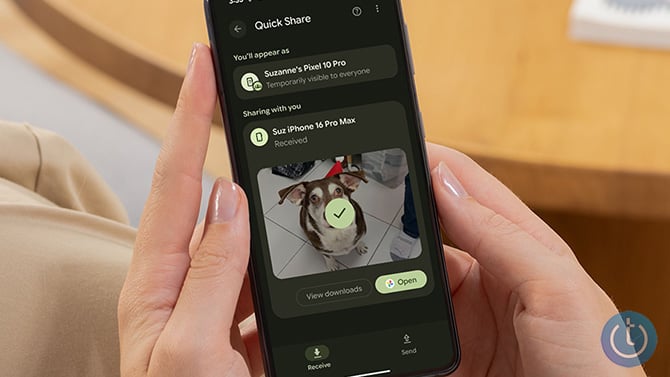
Take 10 seconds to change your AirDrop or QuickShare settings.
Suzanne Kantra/Techlicious
A stranger sitting near you at an airport gate, a concert, or a coffee shop can mess with your AirDrop or Quick Share connection without ever touching your phone, sending you a link, or joining your Wi-Fi. They just need to be within about 30 meters, roughly the length of two school buses. If your device is set to accept connections from "Everyone" instead of "Contacts Only," you're exposed.
Security researchers at Germany's CISPA Helmholtz Center for Information Security found six flaws behind this, spread across AirDrop and Quick Share, the features that beam photos and files to a nearby device with no cables or accounts required. Together, the two systems run on more than five billion iPhones, Android phones, Macs, and Windows PCs.
None of the six flaws let anyone read your texts, pull your photos, or steal your passwords. What they do is give a nearby attacker ways to disrupt your connection, and on iPhones and Macs, the same background service also powers AirPlay, Handoff, Universal Clipboard, and Continuity Camera. Knock that service out and all of those features go down with it, repeatedly, for as long as the attacker keeps at it. It's a genuine hassle, the kind that ruins an afternoon at the airport, but your money and personal data stay untouched.
The fix is the same regardless of which flaw an attacker uses. On an iPhone, open Settings, tap General, then AirDrop, and switch it to Contacts Only or turn receiving off entirely. On Android, open Quick Share and change "Who you can share with” to "Contacts,” “Your devices,” or “No one.” Do this even if you've never heard of these specific flaws. Leaving sharing wide open to strangers was never a great idea.
Apple has already patched one of the three AirDrop bugs and assigned it a tracking number; the other two are still moving through the standard disclosure process. Google fixed the Windows version of the flaw and paid the researchers who found it a bounty. Samsung's fixes are still in progress.
Read next: The best antivirus apps for Android in 2026

