
We may earn commissions when you buy from links on our site. Why you can trust us.

The best antivirus apps for Android in 2026
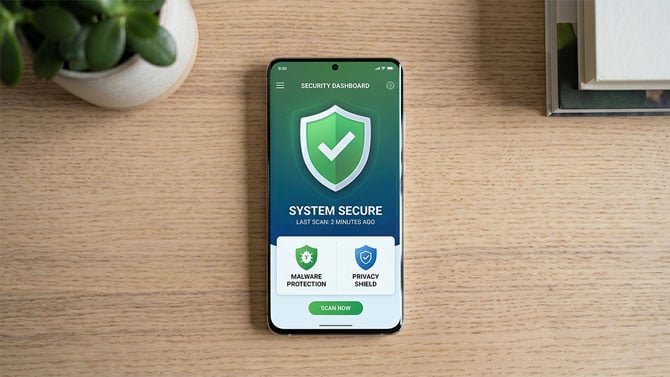
Android is the one mobile platform where antivirus actually matters. Unlike iPhones, which lock apps into sandboxes so they can't touch each other or the system, Android gives you a lot more freedom, which also means more risk. You can sideload apps from outside the Play Store, the Play Store itself isn't as strict about screening as Apple's App Store, and malware on Android is a real and growing problem. Mobile malware detections jumped 151% in the first half of 2025 alone, and Android users bore the brunt of it.
The good news is that every Android phone already comes with some built-in protection, and the paid options that go beyond it are solid. I tested the top-rated Android security apps based on independent lab data to figure out which ones are actually worth installing.
How I picked the best Android antivirus apps
I used the March 2026 results from AV-Test, which tested 11 Android security apps against real-world threats. They score each app out of 6 in three categories (protection, performance, and usability) for a max of 18. Nine of the eleven apps scored a perfect 18/18, which made the field pretty competitive.
From there, I narrowed it down based on what each app actually does beyond basic malware scanning: scam detection, VPN quality, battery impact, anti-theft features, and whether the free tier is genuinely useful or just a teaser for the paid version.
Google Play Protect: The baseline you already have
Every Android phone ships with Google Play Protect already running. It scans apps when you install them, periodically checks the ones you already have, and can flag or remove anything it considers harmful. It works automatically and you don't have to configure anything.
The problem is that Play Protect scored 17.5 out of 18 on AV-Test, losing half a point on protection. That might not sound like a big gap, but it means Play Protect misses threats that every dedicated antivirus app on this list catches. It's also purely reactive: it scans apps, but it doesn't do much about phishing links in your texts, scam emails, sketchy Wi-Fi networks, or any of the other ways Android users actually get hit these days.
Think of Play Protect as a baseline, not a complete solution. It's better than nothing, and for people who only install apps from the Play Store and don't click on random links, it might be enough. But if you want actual coverage against the kinds of threats that are common in 2026, you'll want one of the picks below.
The best overall: Bitdefender Mobile Security
| + Pros | |
|
|
| – Cons | |
|
|
 "The strongest protection with the lightest battery impact" |
SUBSCRIBE ON BITDEFENDER |
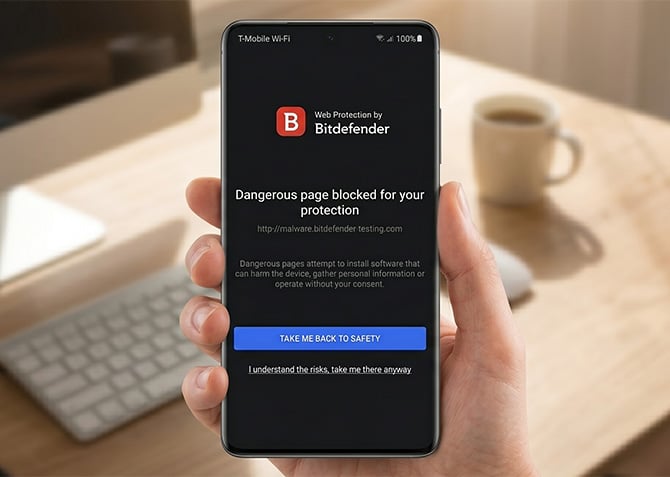
Bitdefender Mobile Security is my top pick for Android because it does the most while using the least resources. Battery drain is the number one complaint people have about security apps on their phones, and Bitdefender barely registers. I can't say the same about every app on this list.
The malware scanning is perfect (18/18 on AV-Test), but what makes Bitdefender stand out on Android specifically is the extras. App Lock lets you PIN-protect or fingerprint-lock sensitive apps like your banking app, messaging, or email. The anti-theft features are thorough: you can remotely locate, lock, or wipe your phone, and if someone tries to unlock it with the wrong PIN three times, Bitdefender snaps a photo and uploads it to your account. The scam alert feature flags suspicious texts and calls before you interact with them.
The web protection works across all browsers on your phone, not just Chrome, so phishing links get caught regardless of where you tap them.
One downside: the VPN is capped at 200MB per day, which is basically nothing on a phone. If you need a VPN, pair Bitdefender with a standalone one. Bitdefender Mobile Security runs about $15 a year as a standalone Android plan, or it's included if you already have Bitdefender Total Security from our main antivirus guide.
The best for families: McAfee Security
| + Pros | |
|
|
| – Cons | |
|
|
 "Unlimited device coverage is perfect for families" |
SUBSCRIBE ON AMAZON |
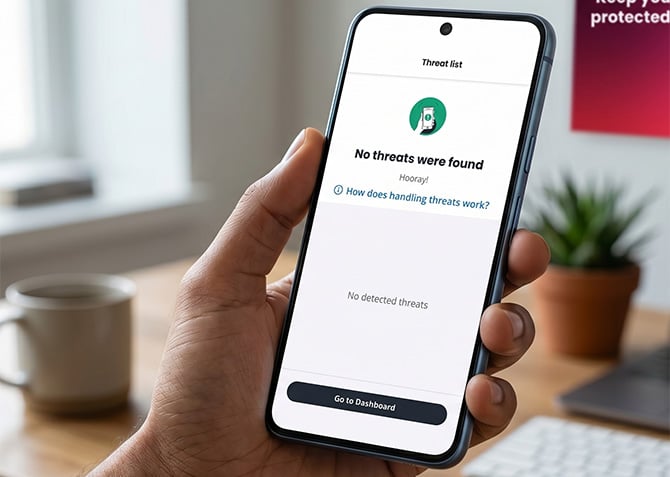
If you've got multiple Android phones to cover (kids, parents, whoever), McAfee is the only major antivirus that doesn't cap your device count. That alone makes it worth considering for families.
The real standout on Android is the AI-powered scam detection. It scans incoming texts for suspicious links before you even see them, checks email links in real time, and can spot deepfake videos. On a phone, where you're more likely to tap a phishing link in a text than you are on a laptop, this is a bigger deal than it sounds. The scam detector won a Webby Award in 2026. I mention it because the recognition is deserved, not because McAfee put it in the press release.
You also get identity monitoring that scans the dark web for your personal info, safe browsing that blocks phishing sites, a password manager, and an unlimited VPN. The VPN is way more usable than Bitdefender's 200MB cap, though it's still not as fast as a dedicated VPN service.
McAfee has historically been a bit heavier on resources than Bitdefender, though newer versions of the app have closed that gap enough that you may not notice it on a recent phone. The app also nudges you with feature suggestions more than I'd like. McAfee Security for Android is part of any McAfee+ subscription: the Premium plan at $49.99 a year covers unlimited devices.
The best for travelers: Norton 360 Deluxe
| + Pros | |
|
|
| – Cons | |
|
|
|
"The best for staying safe on public Wi-Fi" |
SUBSCRIBE ON AMAZON |
If you're someone who connects to Wi-Fi at coffee shops, airports, or hotels, Norton's the one I'd point you to. The unlimited VPN is a much bigger deal on your phone than on your laptop: you're hopping between networks constantly, and public Wi-Fi is where the risk actually is. Norton's VPN has no daily data cap, and it automatically kicks in when it detects an unsecured network.
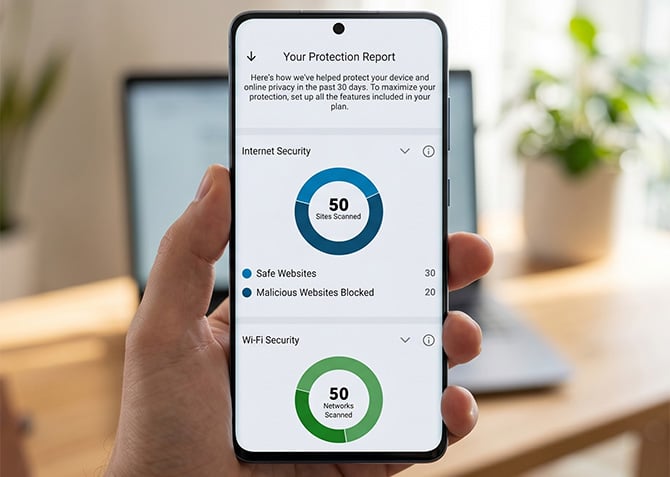
The Wi-Fi Security feature scans networks around you and flags the ones that are compromised or under attack. The App Advisor checks apps for threats like malware and privacy risks before you download them from the Play Store, which is the kind of thing Play Protect is supposed to do but doesn't always catch. There's also a Device Report Card that gives you a 30-day summary of scanned networks, blocked sites, and risky apps, a nice way to see what Norton's actually doing for you.
Pricing is the same as the desktop version: $49.99 the first year for Norton 360 Deluxe, then it jumps to $120 to $125 at renewal. Same advice I give for all of these: turn off auto-renewal, let it lapse, then resubscribe at the new customer rate or grab a key off Amazon.
The best free app: Avira Antivirus Security
| + Pros | |
|
|
| – Cons | |
|
|
|
"The best free security on Android" |
SUBSCRIBE ON AVIRA |
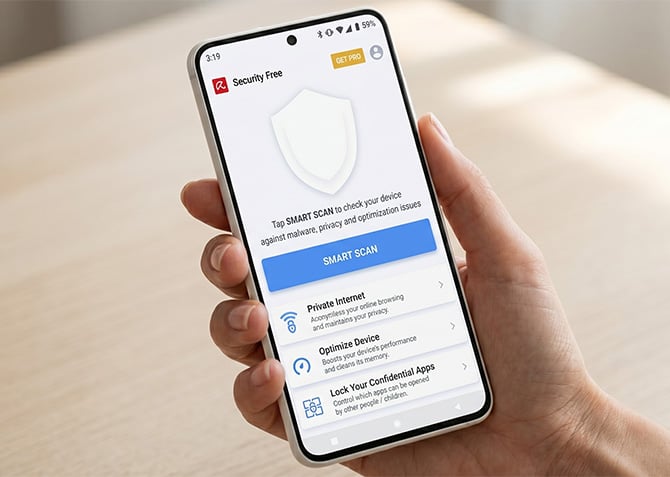
If you want more than Play Protect but don't want to pay, Avira is the best option on Android right now. It scores a perfect 18/18 on AV-Test (same as every paid app on this list) and the free tier actually gives you enough to work with.
The free version includes the full malware scanner, an app lock to protect sensitive apps with a PIN, identity protection that checks if your email or accounts have been leaked in a breach, a privacy advisor that shows you which apps are requesting access to stuff they probably shouldn't be, and a system optimizer for clearing junk and freeing up memory. You also get 100MB of VPN per day, which isn't a lot but it's enough to cover a quick session on public Wi-Fi.
What you don't get for free: web protection (the feature that blocks phishing and malicious sites) and camera and microphone protection. Those are locked behind Avira's Pro plan. There are also ads in the free version, which is how Avira makes money without selling your data. If the ads bother you, the Pro upgrade costs about $12 a year, which is still cheaper than any other paid option here.
If you're already paying for Bitdefender, McAfee, or Norton for your computer, check whether your plan includes the Android app: it probably does, and you should be using it. If you're not paying for anything and don't plan to, install Avira. A perfect AV-Test score with a free tier that doesn't feel gutted is about as good as it gets without spending money.
Read next: Techlicious picks for the best antivirus software for computers
[Image credit: Bitdefender, McAfee, Norton, Avira, renders generated via Gemini]

