

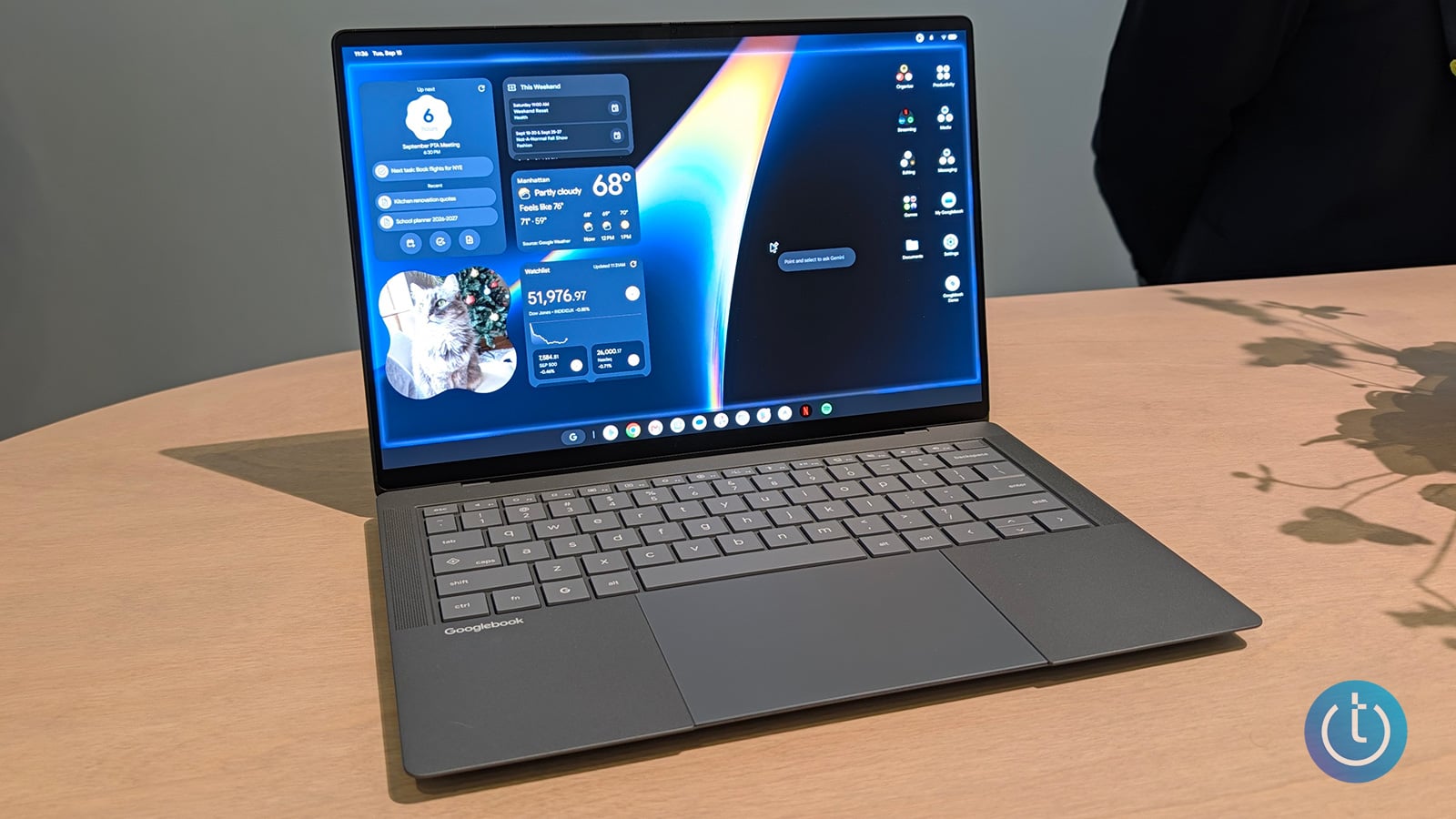
ASUS Googlebook 14
Image credit: Suzanne Kantra/Techlicious
Today, Google is launching an entirely new category of laptop built around Android: Googlebook. It’s built on the Android technology stack with desktop foundations borrowed from ChromeOS and designed from the ground up around Gemini, Google's AI assistant.
John Solomon, Google's vice president and general manager of laptops, tablets, and Android enterprise, framed Googlebook as support for a common habit: people start tasks on their phones and finish them on a laptop, and today's laptops don't make that handoff easy. Meanwhile, Chromebooks stay on sale as Google's answer for affordable, simple computing.
Five manufacturers are shipping Googlebook models at launch: the Acer Googlebook 14 convertible (from $899), ASUS Google 14 (from $1,299), Dell XPS Googlebook (from $999), HP Googlebook 14 (from $1,299), and Lenovo Googlebook 15 (from $1,099). All five share premium materials like aluminum, magnesium alloy, and carbon fiber, touch displays up to 2.8K OLED resolution, haptic glass trackpads, and backlit keyboards.
Buyers choose between Intel Core Ultra Series 3 and Qualcomm Snapdragon X Elite processors, both paired with an NPU chip built to run AI tasks locally rather than sending them to the cloud. The NPU is rated at over 40 TOPS (trillion operations per second). RAM for the various models starts at 16GB and goes up to 32GB, storage ranges from 256GB to 512GB and up, and Google says to expect up to 14 hours of video playback and 16 hours of web browsing on a charge.
Every Googlebook also ships with a lightbar Google calls the Glowbar, which animates at startup, sweeps to show battery level, and reacts when you talk to Gemini. Google says it plans to open Glowbar access to developers so third-party apps can eventually trigger their own animations.
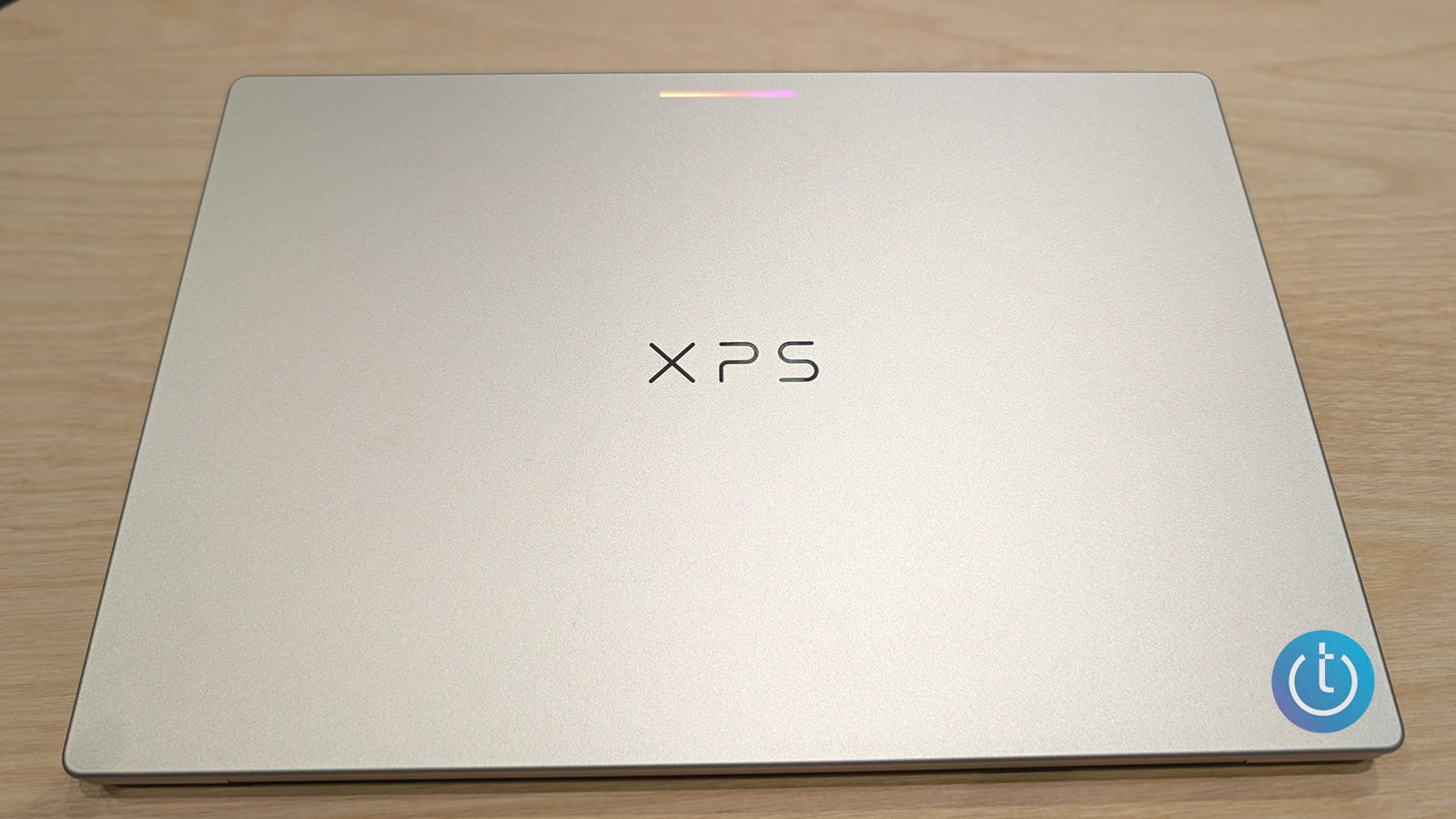
Dell XPS Googlebook
Image credit: Suzanne Kantra/Techlicious
The feature Google is leaning on hardest is Magic Pointer, which activates when you wiggle your cursor over something on screen. In a demo I watched, a tester hovered over an email from a physical therapist warning about IT band inflammation, a common runner's knee injury, and Magic Pointer offered to define the term, suggest exercises, or draft a reply. Adding a screenshot of recent running data prompted it to flag injury risk factors like cadence and elevation on that run. A second prompt had it cross-reference the therapist's restrictions against a gym's class schedule, book three low-impact classes onto the calendar, and generate a PDF summary to send back.
Identifying what's on your screen and reading on-screen text both happen locally on the device. That local pass generates the first suggestion callouts using what Google calls private inference, and only when you actively submit a request does it hand off to the full Gemini app in the cloud. Google says the feature only acts when summoned and can be switched off in settings at any time.
A few more AI features round out the desktop: Rambler, a voice tool next to the keyboard's Quick Insert key that turns a rambling stream of thoughts into organized notes with headers and checklists rather than a raw transcript, and Create My Widget, a beta feature that builds a custom desktop widget from a plain-language description. Google says Gemini can keep working on a complex request in the background even after you close the laptop's lid, a feature it calls Gemini Spark.
On the phone-to-laptop side, setup itself carries over your Android phone's Wi-Fi networks, saved passwords, and messages, encrypted end to end. From there, Continue On picks up an in-progress task exactly where you left it on your phone and surfaces it as a taskbar suggestion on the laptop. The Files app lets you dig through your phone's photos and files directly from the laptop instead of emailing yourself an attachment. Finally, Cast My Apps opens a phone app in a desktop window without interrupting what you're doing, which a Google product lead demonstrated for me by adding an item to an Uber Eats cart on a phone and finding it already there when opening the app on a Googlebook.
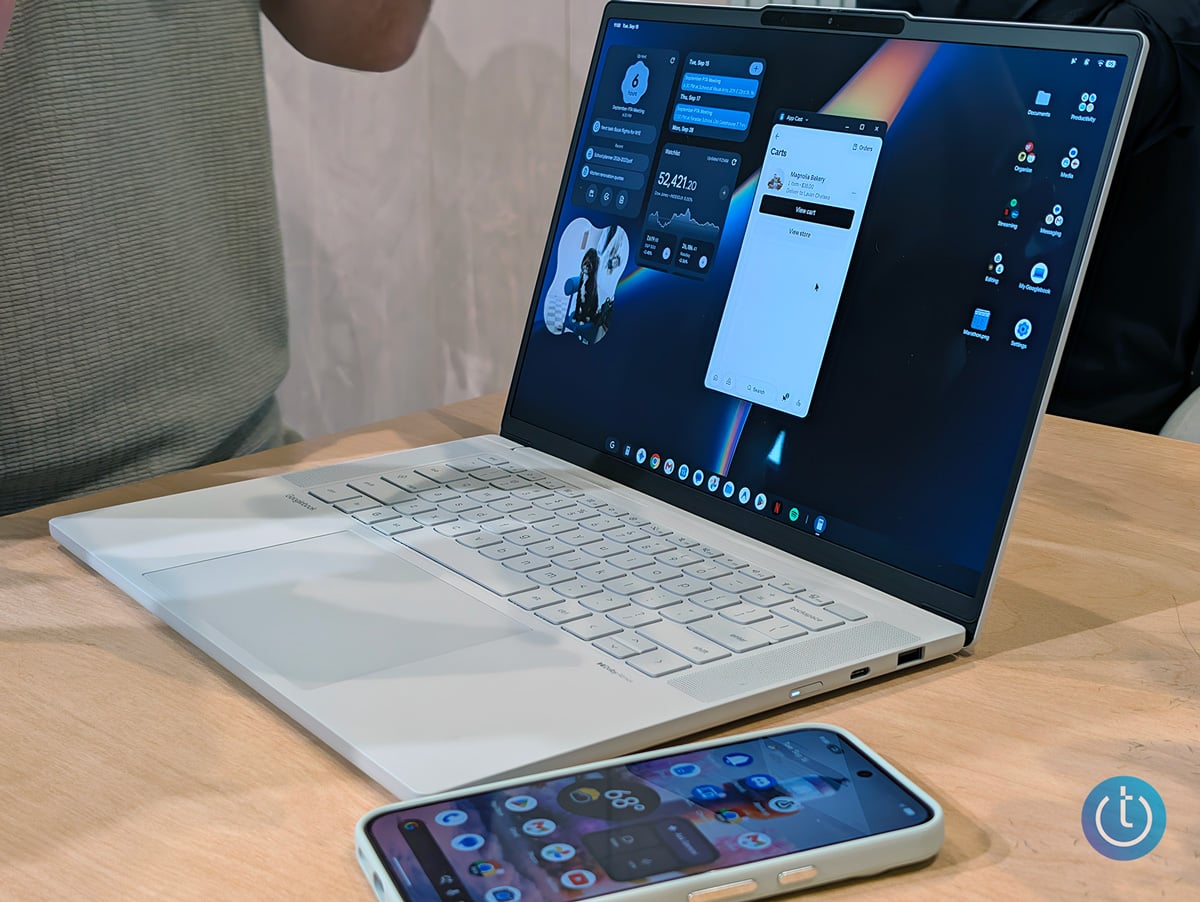
Lenovo Googlebook 15
Image credit: Suzanne Kantra/Techlicious
All Googlebook apps come from the Play Store, the same one that powers every Android phone. This is similar to the closed model Apple uses with the App Store on the Mac.
Only a handful of titles will be optimized for Googlebook's larger display or built specifically to take advantage of the laptop's processing power at launch. A Google spokesperson told me the Play Store will label which apps have been tested for large screens, optimized for desktop, or built for desktop from the ground up, and flags apps like Facebook and Twitch as better used on the web than installed as apps. Google confirms native versions of Adobe Photoshop, Adobe Lightroom, and CapCut run on the device, along with Netflix and HBO Max with offline viewing. As far as Android games go, Google said that around 100 of its top 100 titles are already optimized for keyboard and mouse controls.
If you already live inside Google's productivity suite and Google Workspace, Googlebook makes a lot of sense: Gmail, Calendar, and Photos are wired directly into these AI features. And for a certain segment of users, a Googlebook may be a reasonable substitute for a Windows PC. But Google is filling out its software catalog mainly by stretching existing Android phone apps onto the bigger screen, not by building a dedicated desktop catalog. At least for now.
Google is also touting device security at launch. Googlebook shares its security architecture with ChromeOS: a Google Titan hardware root of trust (a dedicated chip that verifies the device hasn't been tampered with before it boots) and on-device malware detection. It's also the first laptop platform with a Level 5 security-certified pKVM hypervisor, a layer of software that walls off a separate, isolated Linux environment with full terminal access, so you can run developer tools, pull code repositories, or let an AI agent operate autonomously without it touching the rest of the system.
Every Googlebook includes 12 months of Google AI Pro (5TB of cloud storage and Gemini Advanced tools), plus three months each of YouTube Premium and Adobe Photoshop, along with a complimentary year of GeForce NOW. Google says the laptops will also receive OS feature updates for up to 10 years.
Preorders are open now at the Google Store and Best Buy. Pricing starts at $899. Devices arrive October 4 in the US and October 5 in Canada, the UK, Ireland, France, Germany, and Australia.

