

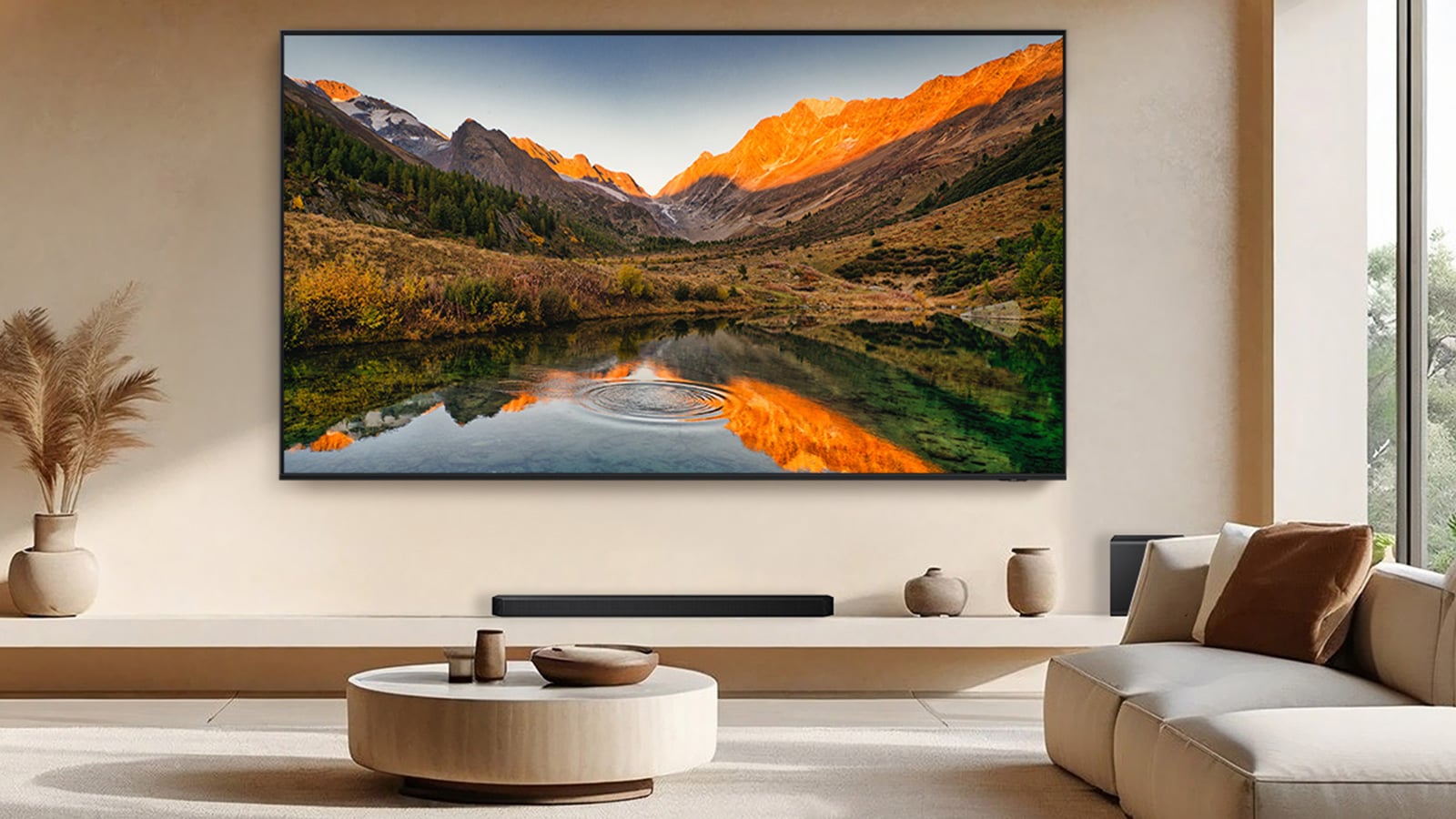
Samsung QN90F Neo QLED TV
Image credit: Samsung
A new study found a Samsung smart TV kept sending data consistent with viewing tracking after researchers turned the feature off.
The technology is called automatic content recognition, or ACR. Your TV takes short snapshots of whatever is on screen, turns them into digital fingerprints, and sends them over the internet to a company that matches them against a library of known shows and movies. The study’s authors say that viewing history can be used for targeted ads and shared with or sold to other companies.
Samsung’s Tizen software runs more TVs in the U.S. than any other, with 34 percent of the market, according to the study, titled “Watching the Watchers” and published by Northeastern University researchers. The authors say 82 percent of U.S. households own a smart TV capable of this kind of tracking.
What the researchers found
The team tested TVs from ten brands, covering the operating systems that run about 95 percent of smart TVs in the U.S. Each viewing situation was run 30 times with tracking on and 30 times after opting out through the TV’s own settings. After the opt-out, the Samsung TV kept sending traffic consistent with ACR.
Consumers expect companies like Samsung to respect their privacy choices, and a setting that says off should mean off. Most of this data is encrypted, so the researchers judged what is was for based on the timing, volume, and external destination. The results come from one Samsung TV and its software version at the time of testing, and other models may behave differently.
Samsung isn’t alone
The opt-out fully worked on only four of the operating systems tested: LG’s webOS, Google TV on Sony, VIDAA, and Amazon’s Fire TV software. Vizio’s opt-out setting had no observable effect on its tracking traffic. On Roku TVs, the opt-out doesn’t apply to Roku’s own streaming service.
How to be sure your viewing isn't tracked
ACR works by sending screen fingerprints over the internet, so a TV with no connection has nowhere to send them. If you want to be certain Samsung receives none of your viewing data, the only way is to disconnect the TV from your Wi-Fi or unplug its Ethernet cable and watch through a streaming stick, like a Roku or Fire TV. My picks would be the Fire TV Stick 4K Plus ($39.99) or Roku Streaming Stick 4K ($79.99), which hit the sweet spot between price and performance.
I’d pick one of those two because of how their platforms behaved in the study. Amazon’s Fire TV software was one of only two, along with Sony’s Google TV, where the opt-out worked completely. Roku’s didn’t track any of the tested third-party streaming channels when opted out, only its proprietary free streaming service. In important caveat is that the researchers tested TVs running this software; the sticks themselves were outside the study, so these results point to good behavior without guaranteeing it.

