

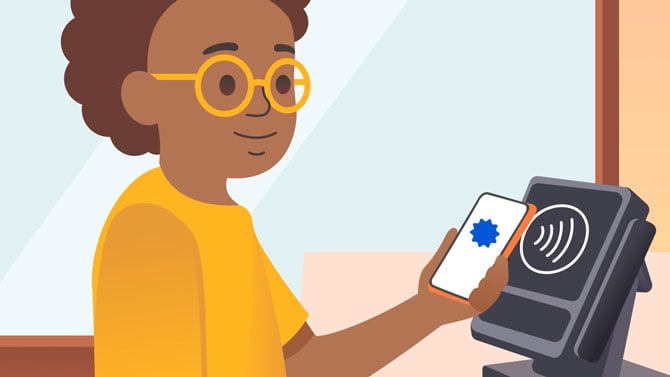
Google Wallet just gained a feature that lets parents hand their kids spending money without opening a bank account for them. Now, parents in the US can set up a secure balance on Google Wallet for children and teens under 18.
Once that balance is funded, kids can tap to pay in stores using an NFC-enabled Android phone or Wear OS smartwatch, the same way an adult would use Google Pay. There's no credit card stored on their phone, no prepaid card to lose, and no separate app for the child to manage.
The launch lands just in time for back-to-school shopping season. When my kids started enjoying "out lunch" privileges in middle school, I gave them cash because I didn't want my credit card on their phones for tap to pay. This would have been a much better solution.
Parents keep control through Family Link, the app Google already uses for screen-time limits and app permissions. From there, you can transfer money directly from your own account into your kid's balance, set a spending limit, and check transaction history in real time. If something looks off, you can lock the balance instantly and sort it out later. Google says automated recurring transfers, useful for a weekly allowance, are coming soon but aren't available yet.
The money-transfer feature is limited to the US for now. Google's broader kids' Wallet tools, covering tap-to-pay and storing passes like event tickets and library cards, are already live in the UK, Australia, Spain, and Poland, so a wider rollout of money transfers is plausible.
To set it up, open Family Link, select your child's account, and look for the Google Wallet option under their settings. You can find step-by-step instructions on Google's support page.

