

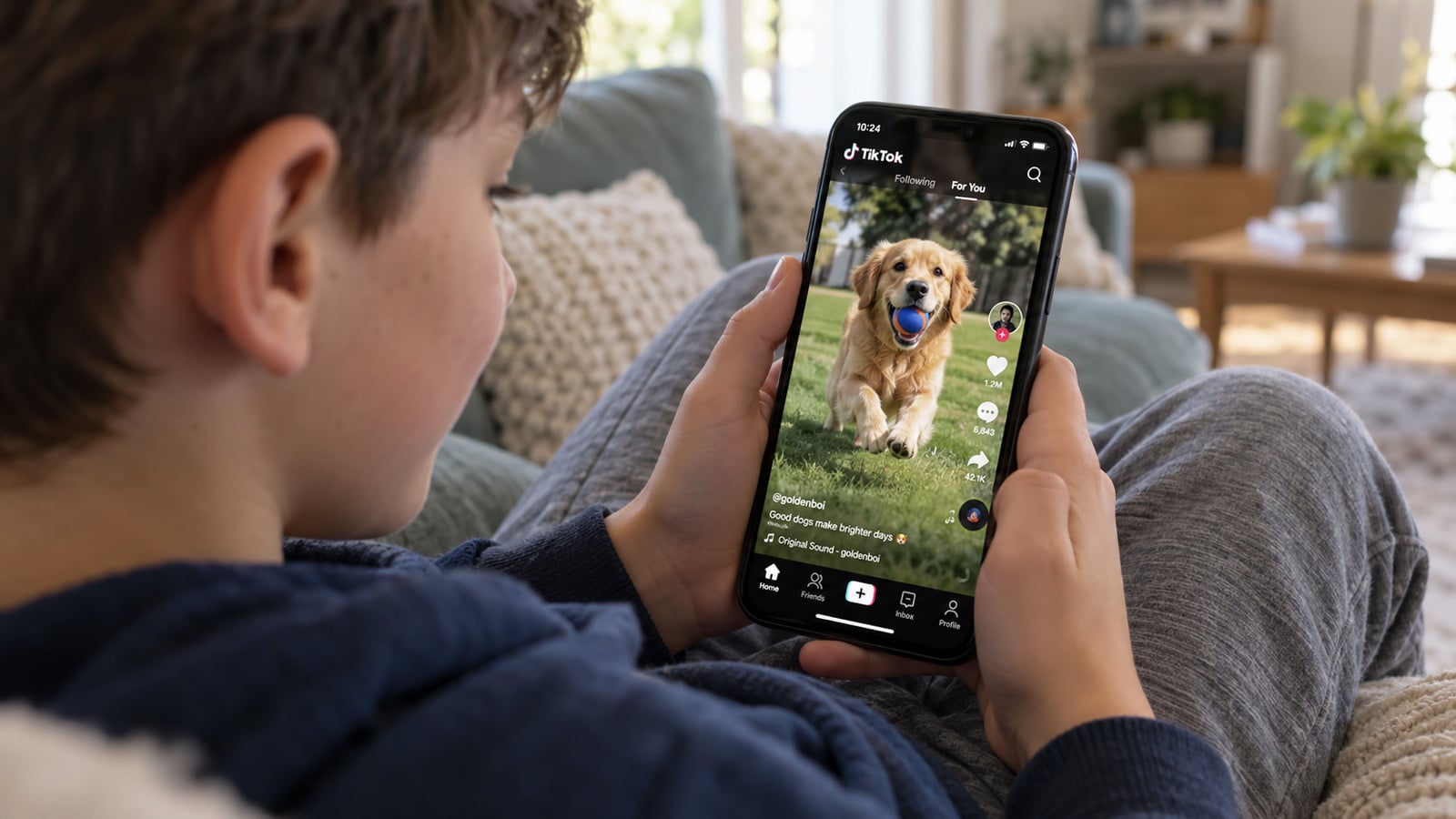
Image credit: Suzanne Kantra/Techlicious via ChatGPT
TikTok gave thousands of users – including children and teens – nonfunctional versions of safety features they had deliberately turned on, according to newly unsealed allegations in a lawsuit brought by New York Attorney General Letitia James.
The allegations concern TikTok’s Algo Refresh feature, which is supposed to let users reset their For You feed when its recommendations become repetitive, irrelevant, or potentially harmful. But during internal experiments, TikTok allegedly placed some users into "ghost" or placebo groups that received a nonfunctional version of the control.
According to Reuters' account of the unsealed portions, TikTok ran these experiments repeatedly in 2023, comparing users who got the working feature with users who didn't. The goal, the lawsuit alleges, was to study how long people stayed on the app and how the feature affected ad revenue.
An internal TikTok product manager reportedly objected to the testing methodology, arguing that giving users a placebo version conflicted with the feature’s promise of transparency and control. The company proceeded with the experiments, according to the complaint.
The lawsuit also alleges that TikTok misrepresented what Algo Refresh does even when the feature is functioning. TikTok describes it as resetting the recommendation system, but New York claims the resulting change to a user’s feed is only temporary.
A TikTok spokesperson told Reuters the allegations mischaracterize how Algo Refresh works and that, like most companies, TikTok "regularly tests new products and features" to understand how they perform in the real world. The company has denied New York's broader allegations in court filings and says protecting younger users remains a priority.
Other safety features were allegedly disabled
James originally sued TikTok in October 2024, alleging that the company designed features that encourage compulsive use by children while misleading families about the platform’s safety.
The newly unsealed material also describes separate experiments in which TikTok allegedly disabled protections intended to limit exposure to harmful content for randomly selected users. A New York teenage boy in that group died by suicide, Bloomberg reported, and the lawsuit says internal reviews found he had been shown a flood of content about suicide and self-harm.
How to reset your TikTok feed and enable protections
To reset your TikTok feed, open Settings and privacy, then Content preferences, then Refresh your For You feed, and tap Refresh. A reset feed is supposed to look like a new account's, so spend a few minutes scrolling right afterward to confirm that it worked.
For a teen's account, TikTok's Restricted Mode filters out mature themes such as sexual suggestiveness, realistic violence, and drug content. Turn it on under Content preferences with a passcode, or a parent can enable it through Family Pairing. It must be switched on separately for each account, and TikTok says filtering relies on automated systems and human moderators. New York's complaint (PDF) alleges that Restricted Mode doesn't protect against content a minor can find through search or direct messages.
Parents can supplement TikTok's settings with device-level protections such as Screen Time on Apple devices or Google Family Link. Because these run on the phone, they can limit how long the TikTok app is available no matter what TikTok changes inside the service.

