

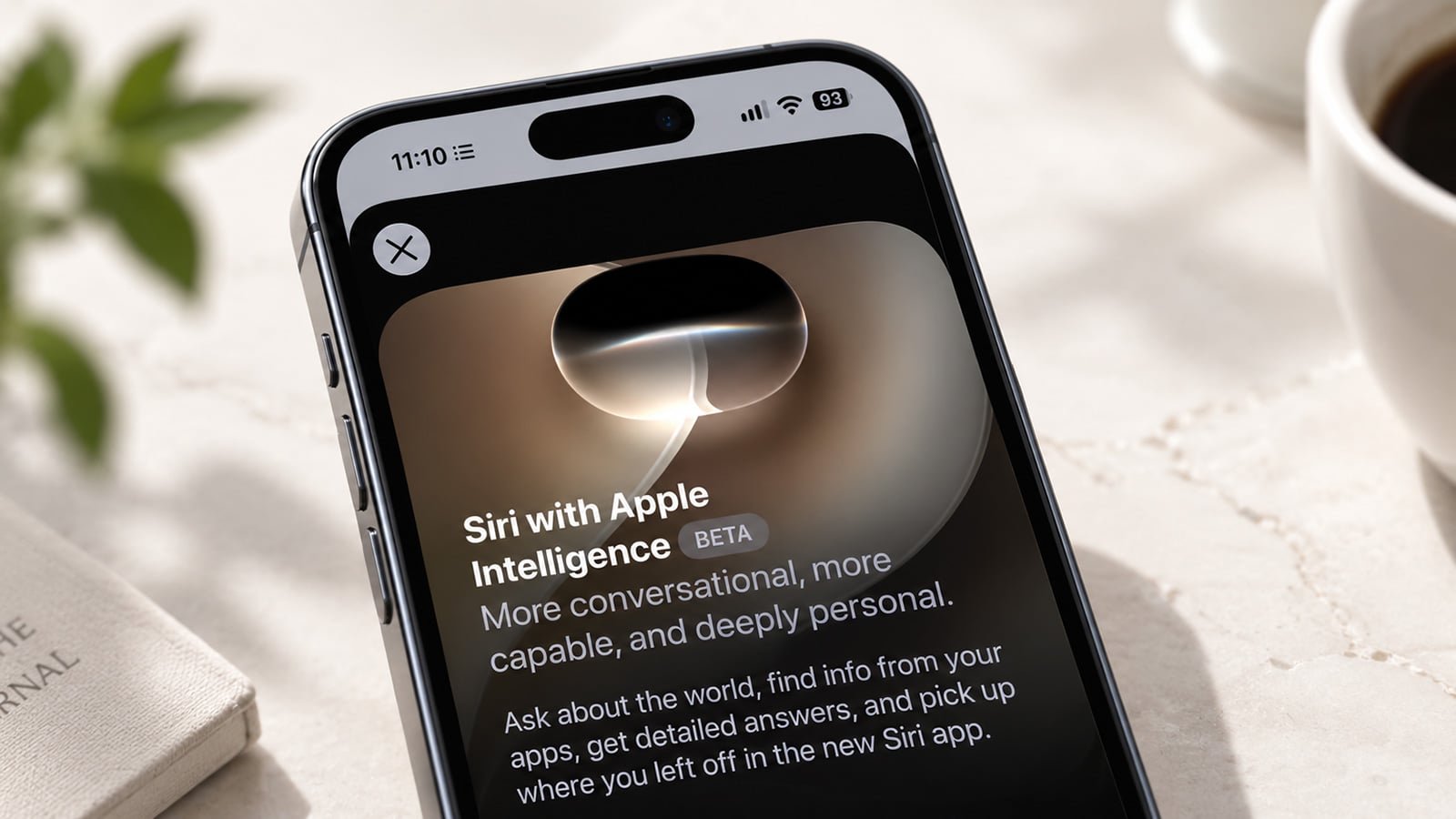
Image credit: Screenshot via Suzanne Kantra/Techlicious composited by ChatGPT
Siri can finally do what Gemini Live, ChatGPT, and Claude have done for a couple of years now: hold an actual conversation. That's the real change in iOS 27, released today along with iPadOS 27 and watchOS 27, which rebuilds Siri on generative AI. It remembers your follow-up questions instead of making you start over each time, reads what's on your screen when you ask about it, and pulls details out of your own messages and email without you having to repeat yourself.
The new Siri runs only on iPhone 15 Pro, 15 Pro Max, or any iPhone 16 or later, which now includes the iPhone 18 Pro Apple just released; iPad mini with the A17 Pro chip; iPads with an M1 chip or newer; and Mac and Apple Watch models from roughly the past two to three years. It launches in English first, with more languages planned. Apple is holding it back from iOS, iPadOS, and watchOS in the European Union at launch, citing regulatory requirements. EU-based Mac and Vision Pro owners get it if their device is set to a supported language.
Siri AI needs access to your data to do its magic, and Apple has set opt-in as the default for all apps when you enable it, including Messages, Mail, Photos, Calendar, and more. If there's an app you don't want Siri reading – a journaling app, a banking app, anything ;– you have to switch it off yourself, one app at a time.
There's a second catch: heavier requests that utilize Apple's cloud servers come with a daily cap. Increased access requires an iCloud+ subscription, though the company hasn't said how many requests the free tier allows. Apple has indicated that Siri AI, along with the Clean Up, Extend, and Spatial Reframing photo tools and Image Playground, are all impacted by the cap. So, a multi-step research-style question, several rounds of AI image generation, or repeatedly reworking the same photo will all get you nearer to your limit.
However, you won't run into caps for the simple time-saving tasks where Siri AI should shine. I see it paying off in surfacing information you'd otherwise have to dig for. Say a friend sent you their address for dinner a week ago and now you can't remember whether they sent it via text, email, or WhatsApp. Instead of scrolling back through messages in each of these apps, you ask Siri, and it finds the address without having to remember the specific app it was in.
When we tested the public beta this summer, we were cautiously optimistic. We found faster, more natural answers to factual questions and a real improvement in holding a conversation thread, but personal-context retrieval was shallower than Apple's pitch promised, and model choice (Apple has talked about eventually offering ChatGPT, Claude, and Gemini as options) wasn't available yet. Worth keeping in mind if today's release still feels like it's finding its footing on the personal-data side.
How to turn on the new Siri AI
The first step to getting started with the new Siri AI is to update your device to iOS27 (or the matching update on iPad, Mac, or Watch), which you can do through Settings > General > Software Update.
Then turn Siri on by going to Settings > Siri, tap "Turn On Siri," and choose "Try the new Siri" when prompted. I opted in and was placed on a waitlist, so don't be surprised if you don't get in right away, though I got off the waitlist in about an hour.
Limiting Siri's app access
If you have sensitive apps you don't want Siri to access, you will need to turn them off individually. Go to Settings > Siri > App Access and turn off anything you'd rather Siri not learn from or suggest based on, since everything is turned on by default.
Options for chatting with Siri
You're likely familiar with saying "Hey Siri" to activate its listening mode. However, you can also turn on Siri by holding the side button or swiping down from the Dynamic Island for a quick search box. There is also a new dedicated Siri app for longer, chatbot-style conversations where you can attach photos or documents for context, similar to what you do today with ChatGPT, Claude, and Gemini.
Set how long conversations stick around
You can control how long Siri keeps your chat history in Settings > Siri > Keep Conversations. Options let you choose as few as 30 days, one year, or forever if you want a permanent record of your chat history saved and searchable across your devices via iCloud.

