

Image credit: screenshot via Suzanne Kantra/Techlicious, composited by ChatGPT
WhatsApp now lets you invite anyone to a voice or video call with a link, even if they’ve never installed the app.
Meta announced the change on October 14 and says the calls are free, end-to-end encrypted, and have no time limits. It’s the latest in a series of calling updates this year.
Only someone with a WhatsApp account can create the link. Open WhatsApp, go to the Calls tab, tap the plus icon, choose Create call link, then send it by text, email, or any other app.
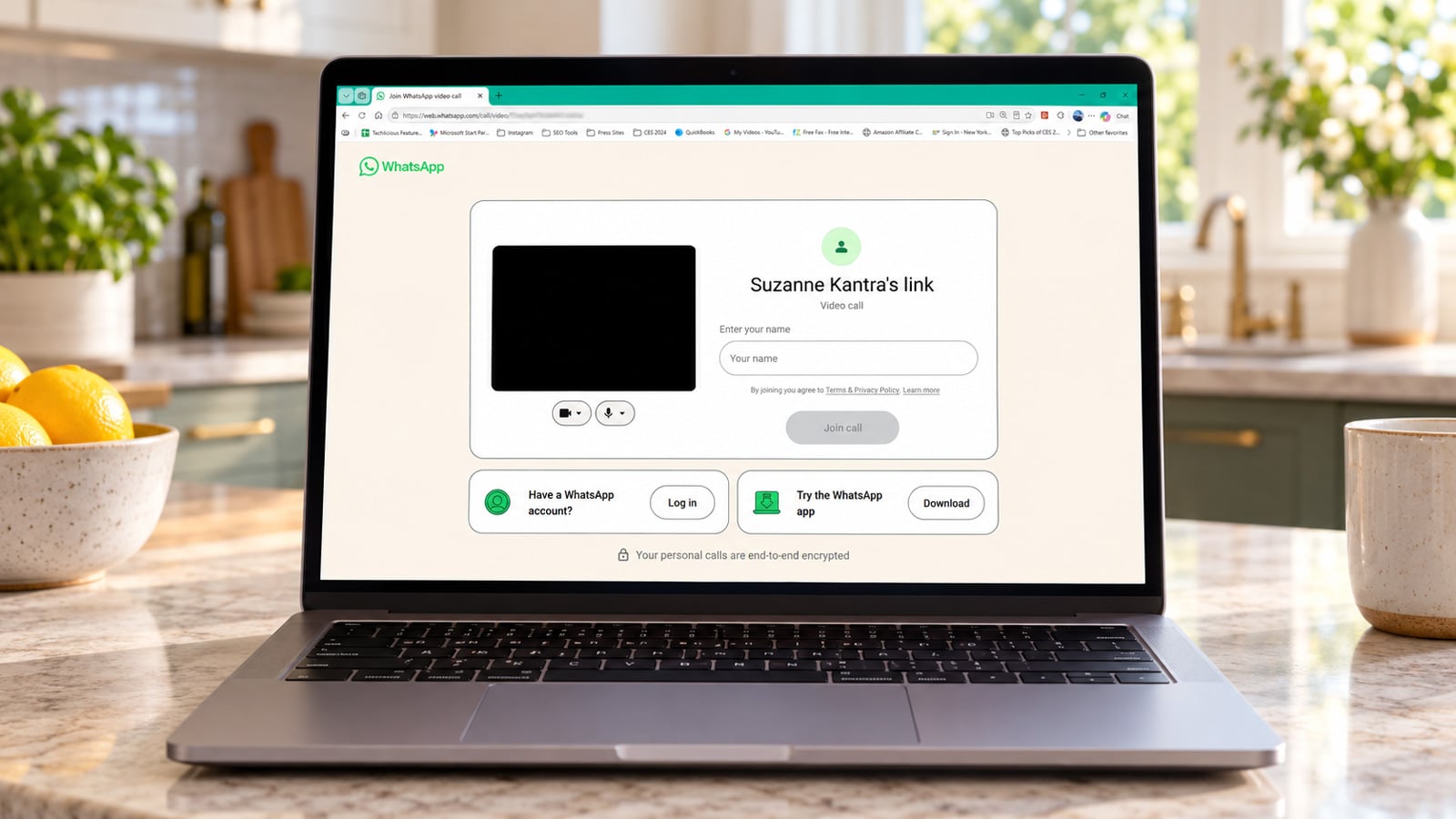
Your guest opens the link in a browser, types in a name, and waits in a virtual waiting room until you let them in. In my testing on phones and computers, guest calling worked in Chrome, Edge, and Safari.
Guests can’t join without your approval, and you can remove one at any time. Because the link is what puts someone in your waiting room, send it only to people you’re inviting.
Once admitted, guests can share their screen, raise a hand, and react with a thumbs-up or heart. They can’t send messages, see other participants’ phone numbers, or add anyone else to the call. Meta says guests can join one-on-one calls and group calls of up to 32 people (including the host).
Later this year, Meta says a WhatsApp plugin will let you add a call link to a Google Calendar or Outlook invite, and everyone invited will be able to join with or without a WhatsApp account.
What I like about guest calling is how little it asks of the other person. Whether the guest is someone who refuses to install another app, a contractor you need for a quick video check-in, or a teacher who relies on email, they only have to open a link on a laptop, type a name, and wait for you to let them in.
Read next: How to use WhatsApp in your browser

