

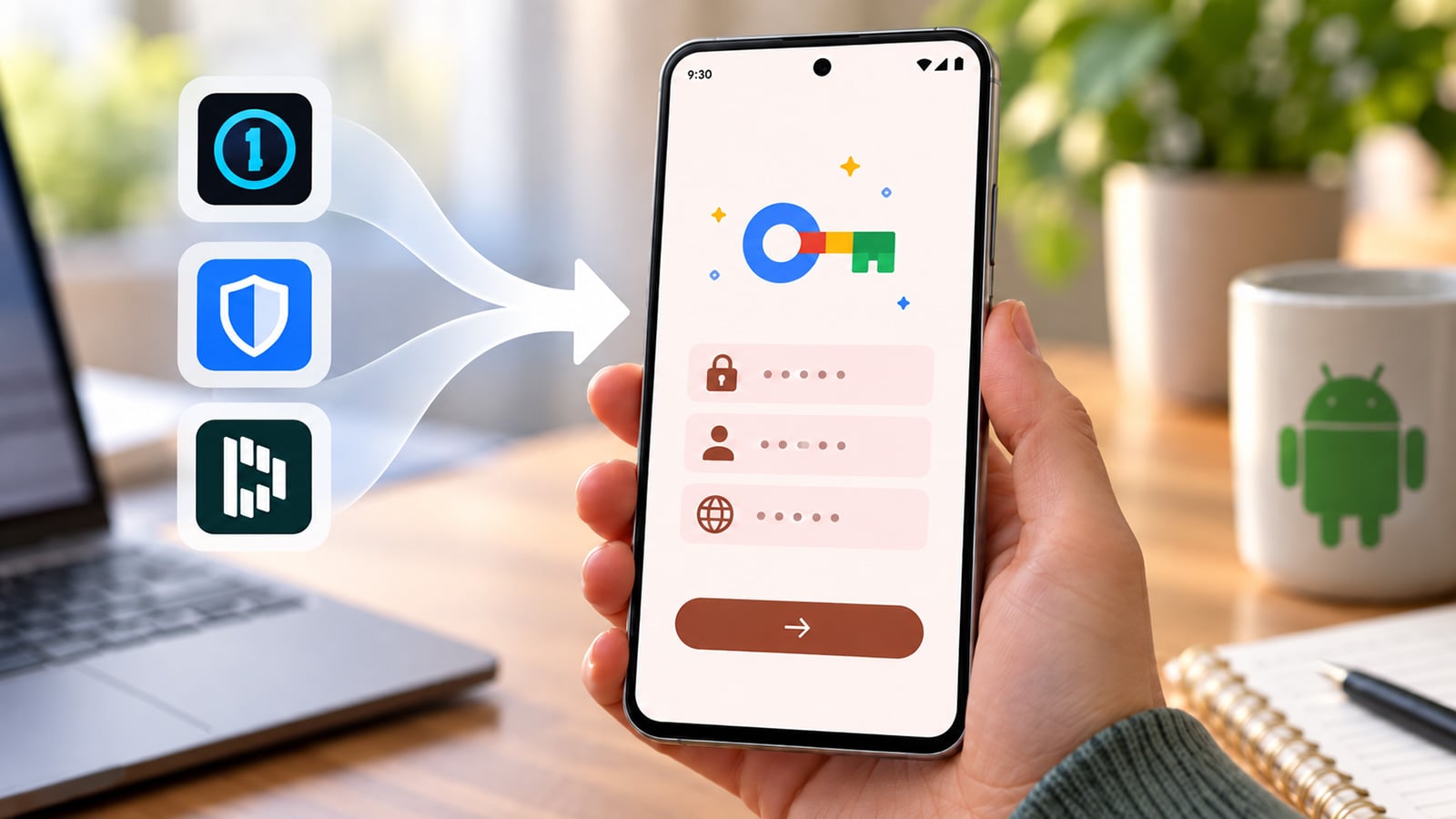
Image credit: Suzanne Kantra/Techlicious generated by ChatGPT
Google just made it far simpler to move to a new password manager on Android. The company's new credential transfer feature moves saved passwords and passkeys directly between apps using a shared technical standard called the Credential Exchange Format. Passkeys are the passwordless logins tied to your fingerprint, face scan, or device PIN, and until now they were far harder to move than a simple password list.
Open the password manager app you want to start using and choose its import option. Android detects any other password manager already installed on the phone and lists it as a source. Confirm the transfer in that original app, typically with a fingerprint or face scan, and your passwords and passkeys land in the new app within seconds.
Many password managers used to require exporting an entire vault to a CSV file, a plain text spreadsheet that anyone who got hold of your phone or computer could open and read. Google's developer documentation shows the new transfer keeps credentials encrypted between the two apps, so Android itself never sees a raw password. The exchange happens entirely on the device, app to app.
Four password manager makers already support the feature: Google Password Manager, 1Password, Bitwarden, and Dashlane. Google says more partners are coming. 1Password and Bitwarden are two of our picks for the best password managers, so this is great news for those looking to up the security of their devices.
The feature works on any phone running Android 8 or later, and Google says it's already live for the four supported apps.

