

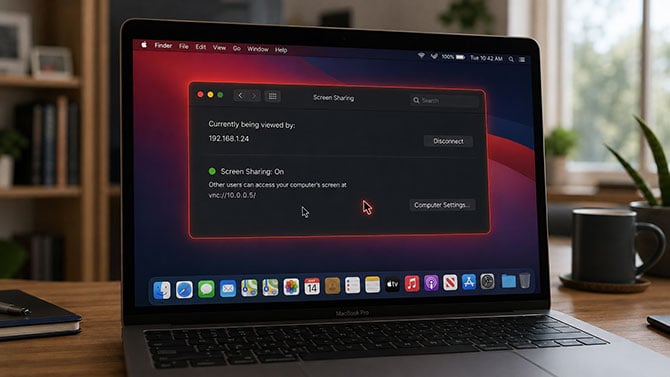
Image credit: Suzanne Kantra/Techlicious generated by ChatGPT
If you haven't installed Apple's August 6 security update for your Mac, do it today. Cybersecurity officials in the Netherlands and the United States have confirmed hackers are actively breaking into Macs that skipped that update, seizing full control of them and installing cryptocurrency-mining software.
The update fixes a flaw in Screen Sharing, the built-in Mac feature that lets you or someone else control your computer remotely, the same way a family member might log into your Mac to help fix a problem. It closes a hole that let an attacker log into Screen Sharing without a valid password. Macs running the fix, macOS Tahoe 26.6.1, Sequoia 15.7.9, or Sonoma 14.8.9, are protected. Every confirmed attack so far has hit a Mac still running older software, according to Apple.
The attacks are real and ongoing. The Netherlands' National Cyber Security Centre confirmed hackers are breaking into unpatched Macs that have Screen Sharing turned on and reachable from the internet, gaining full administrator control and installing software that mines Monero cryptocurrency. The U.S. Cybersecurity and Infrastructure Security Agency responded by raising the bug's official severity score from 7.1 to 9.8 out of 10 on August 14, and reclassified the attack method as automatable the next day, meaning hackers can now target vulnerable Macs with little manual effort.
Most home Mac users are not a prime target, as Screen Sharing is switched off by default. But if you've personally turned on Screen Sharing to access your own Mac while traveling or to let a family member help you remotely, treat this as urgent.
To see if you are protected, open System Settings, then General, then Software Update, and confirm you're running Tahoe 26.6.1, Sequoia 15.7.9, Sonoma 14.8.9, or later. If you're not, install the update now.
Read next: Best antivirus software 2026: free and paid picks

