

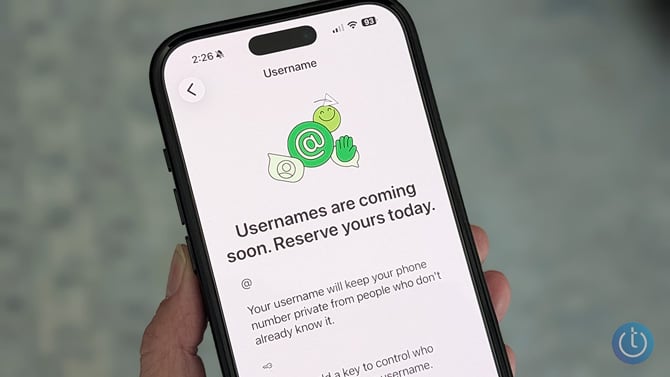
If you want to message new people or join group conversations on WhatsApp, you need to exchange phone numbers. However, giving out your phone number can feel too personal or, in some cases, unsafe, when you want to join a neighborhood group, message a seller on Marketplace, or connect with someone you just met.
To that end, WhatsApp is rolling out a new way to connect with people. It's called usernames, and it eliminates the need to share your phone number with strangers to connect with them on WhatsApp.
A WhatsApp username is essentially a unique handle, such as @xyz123. It sits on top of the phone number linked to your WhatsApp account, masking it when you're messaging new people, so they can't see it. All your existing contacts who already have your phone number can still see it, though.
Usernames in messaging apps aren’t entirely new. We’ve already seen them on Telegram and Signal, though the way they work on each platform is different. Usernames on Telegram are searchable, meaning anyone can type your username in the global search to find and contact you. For Signal and WhatsApp, there is no searchable directory to browse usernames, and you won't get account suggestions as you do on Instagram.
WhatsApp goes one step further than Signal in giving users control over who can reach them. You can set up an optional username key, a short code you hand out alongside your handle, so anyone needs both pieces before they can message you. This reduces unwanted contacts from strangers who may discover your username (especially important if your username is, say, simply your first name/last name). Without the username key; anyone with your username can reach you directly.
Read more WhatsApp Web can finally make voice and video calls
How to reserve your WhatsApp username
Usernames will be available on WhatsApp later this year. However, WhatsApp has already started sending in-app notifications to users to reserve their usernames, and you can claim your preferred username right now. With more than three billion WhatsApp users competing for short, memorable handles, I’d advise acting now so you don’t have to settle for something like @94JaneSmith when the feature goes live.
As of writing, you can only reserve your WhatsApp username on the mobile versions of the app. If you’re on an Android phone, go to WhatsApp, tap the vertical three-dot menu in the top-right corner, and select “Settings.” Select “Account” and tap “Username” under “Your account.” If you’re on an iPhone, tap the profile icon in the bottom-right corner and select “Account” and then username. You’ll have the option to “Create username” or use your existing Instagram or Facebook username.
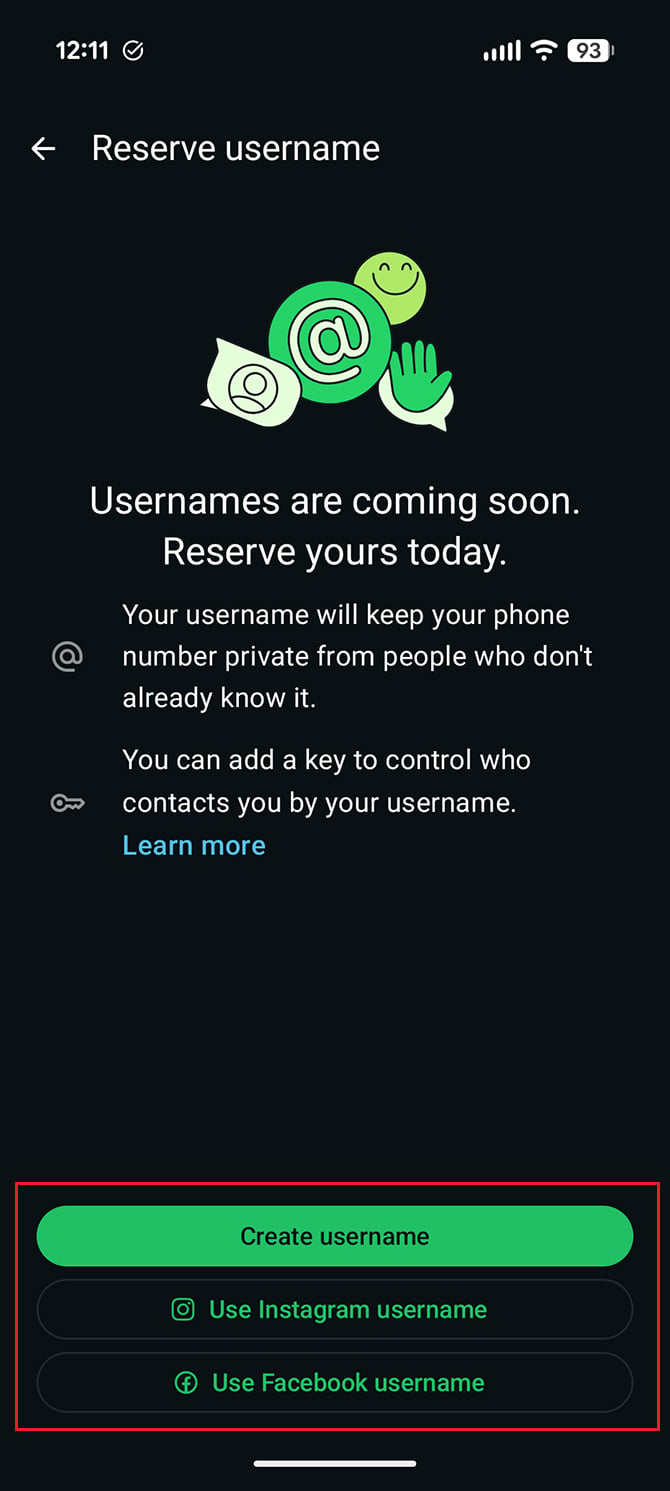
If you select your Instagram or Facebook username, you’ll be linking WhatsApp to your Meta account if you haven’t already. If you’d rather keep those separate, pick a different handle. Note that you can only claim your Instagram or Facebook username if someone hasn’t already taken it, and WhatsApp says it is holding names for businesses, governments, and public figures.
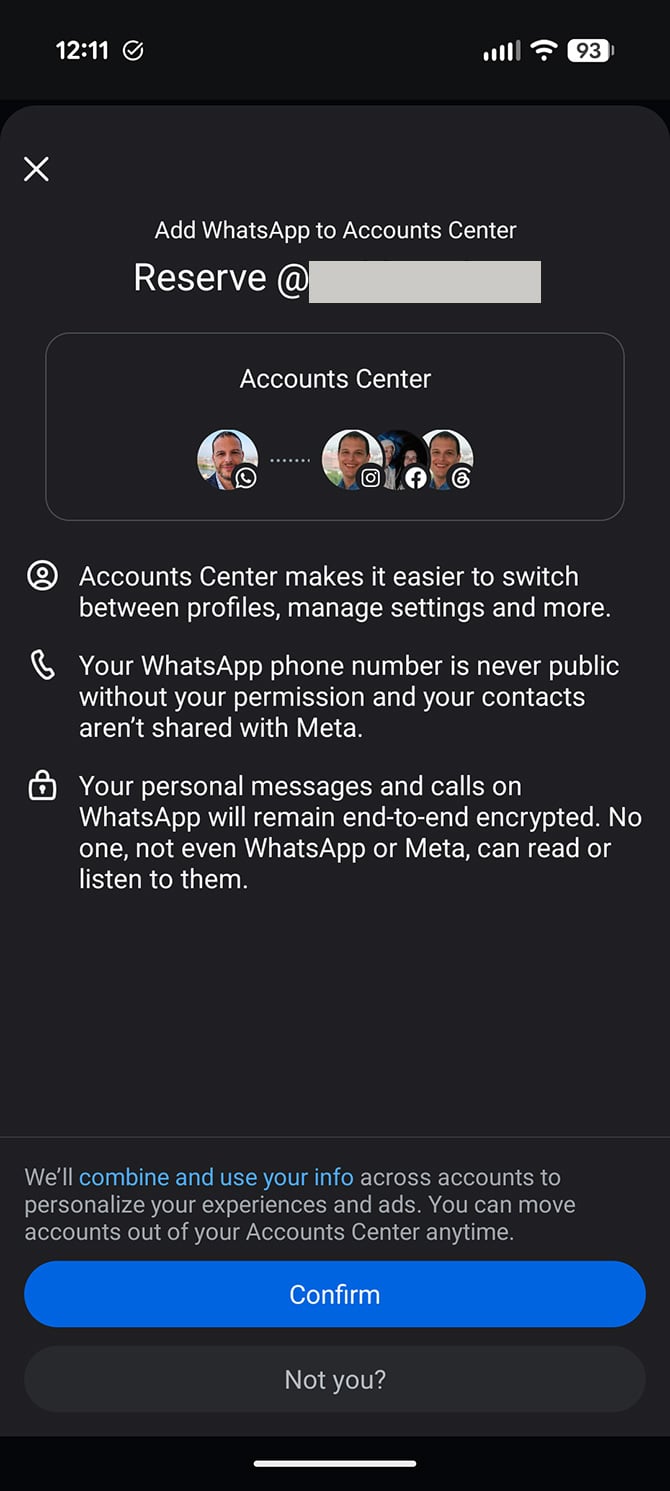
If you select “Create username,” on the next screen, type your desired username. Usernames run between 3 and 35 characters, need at least one letter, and stick to lowercase letters, numbers, periods, and underscores. WhatsApp is blocking anything that starts with “www.” or ends in a domain suffix like .com. If it’s available, you’ll see a checkmark next to it. If you can’t think of a username, type a few characters and hit the “Suggest a username” button.
WhatsApp will now reserve your username. You can change or delete this username at any time. Once you delete a username, you have 14 days to reclaim it before it becomes available to others.
How to create a WhatsApp username key
By default, anyone with your username can contact you, including strangers. If you want to limit who can reach you, you’ll need to set up your username key. To do that, go to WhatsApp Settings > Account > Username. Tap “Contact me by username” and then select “People who know my key.” You’ll now see a username key on your screen.
Any time you give your WhatsApp username to someone, you’ll also need to share your username key so they can message you. You can view your key on the WhatsApp Username Settings screen. I’d also recommend saving it in your password manager. If you generate a new username key, your old one will stop working.
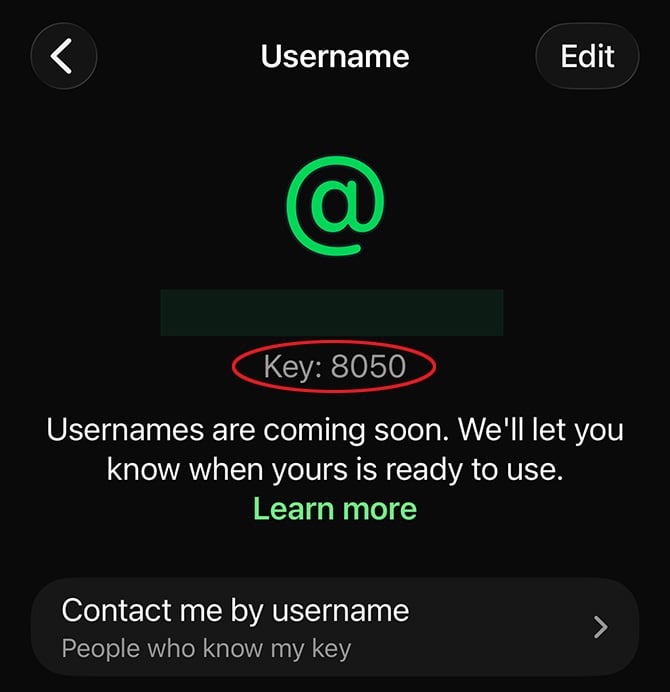
Usernames will roll out to WhatsApp users gradually over the next few months. You’ll receive a message in WhatsApp when it’s available in your region and ready to use. Keep in mind that your WhatsApp username doesn’t replace your phone number, so you’ll still need it to log in to your account.
Read next: How to set up and use WhatsApp Web
[Image credit: Suzanne Kantra/Techlicious]


From Sohel on July 03, 2026 :: 10:16 pm
My Whatsapp comeing
Reply