
We may earn commissions when you buy from links on our site. Why you can trust us.

Which Googlebook is right for you? All 5 models compared
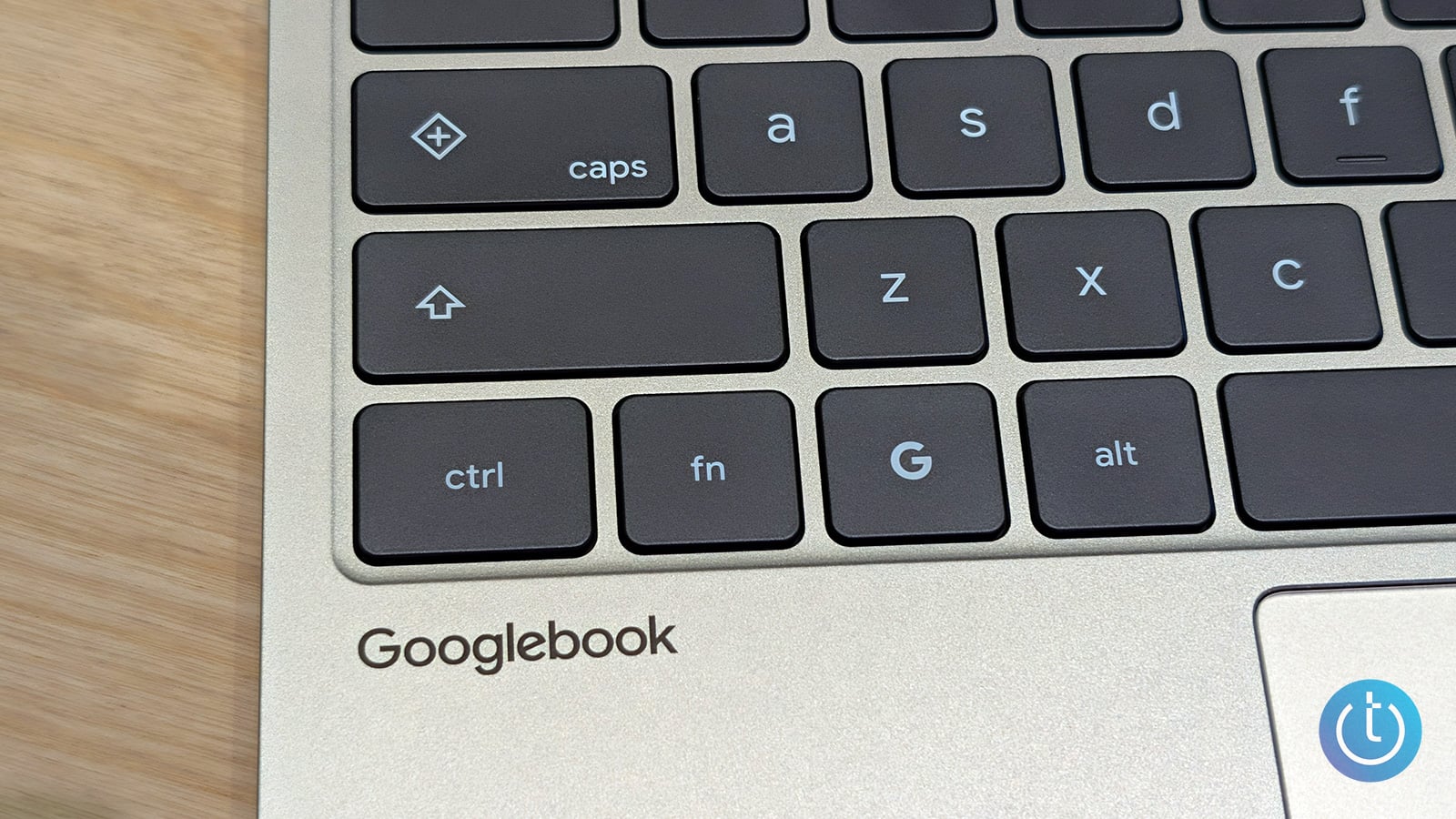
Image credit: Suzanne Kantra/Techlicious
Google just unveiled Googlebooks, a new line of Android-powered laptops built to erase the gap between your phone and your desktop. The operating system is built on the Android technology stack with desktop foundations taken from ChromeOS and designed from the ground up around Gemini, Google's AI assistant.
This combination is important because it gives Googlebooks access to Android apps and closer integration with Android phones while retaining the desktop interface, browser, security, and update system developed for ChromeOS. Building Gemini into the operating system also allows the AI assistant to work with on-screen content and applications instead of behaving like a separate chatbot. In theory, that should create a more connected and helpful laptop experience, particularly for Android-phone owners. It's a solid alternative to Windows PCs and Macs, especially if you own an Android phone.
Preorders have opened for Googlebooks from five of the major laptop OEMs, including the Acer Googlebook 14 convertible, Asus Googlebook 14, Dell XPS Googlebook, HP Googlebook 14, and Lenovo Googlebook 15. All have a ship date of October 4. Starting at $899 and topping out at $1,299, these Googlebooks are built for high performance. The laptops will either be equipped with an Intel Core Ultra Series 3 or a Qualcomm Snapdragon X Elite processor. RAM starts at 16GB and can be configured up to 32GB depending on the model, with up to 512GB of storage. The NPU delivers over 40 TOPS (trillion operations per second), which is enough to support locally run AI tasks. As far as battery life, Google's estimating up to 14 hours of video playback and 16 hours of web browsing.
Then you've got the Googlebook-exclusive suite of features, such as the Glowbar, a lightbar that reacts during startup and while you're interacting with Gemini. It can also act as a battery life status indicator. Quick Rambler is an AI-powered utility that takes your random utterances, transcribes them, and organizes them into useful notes. Continue On lets you pick up on the laptop where you left off on your phone, via a taskbar suggestion.
The Googlebook's biggest feature is Magic Pointer. Activated when you wiggle the cursor over something on the screen, it can understand on-screen text and images, answer questions, suggest actions, and complete tasks with Gemini. The initial screen analysis happens locally on the laptop using what Google calls private inference. Information is sent to Gemini in the cloud only after you submit a request. Google says Magic Pointer works only when activated and can be turned off in the settings.
But for all the things the five laptops have in common, there are plenty of things that make them stand out. The Acer, for instance, is a 2-in-1, while the Lenovo has the biggest screen at 15 inches. Meanwhile, the Asus and Dell are the lightest in the lineup, and the HP claims the longest battery life.
With so many choices, what's a discerning consumer supposed to do? The following guide will identify pricing, use cases, and target audience to help you find the right Googlebook.
Quick Picks
How the Googlebooks stack up |
|
|
|
|
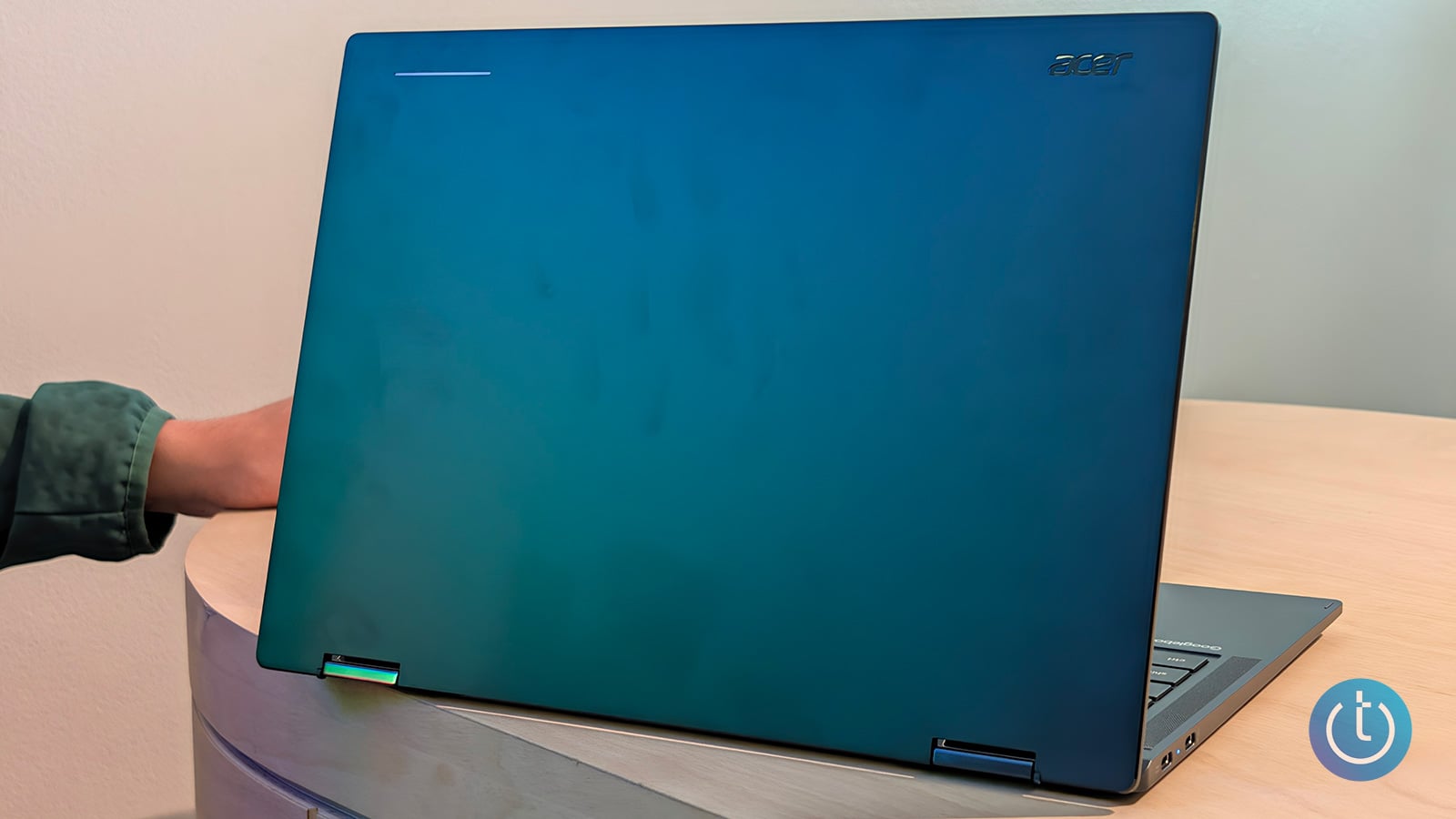 |
Best for value and versatility Acer Googlebook 14 CPU/GPU: Intel Core Ultra 5 325 / Intel Graphics NPU performance: Up to 47 TOPS Display: 14-inch, 2880 × 1800 OLED touchscreen Estimated battery life: Up to 16 hours Weight: 2.51 pounds Dimensions: 12.28 × 8.78 × 0.5 inches Starting Price: $899 Jump to details ↓ |
| CHECK PRICE ON BEST BUY | |
|
|
|
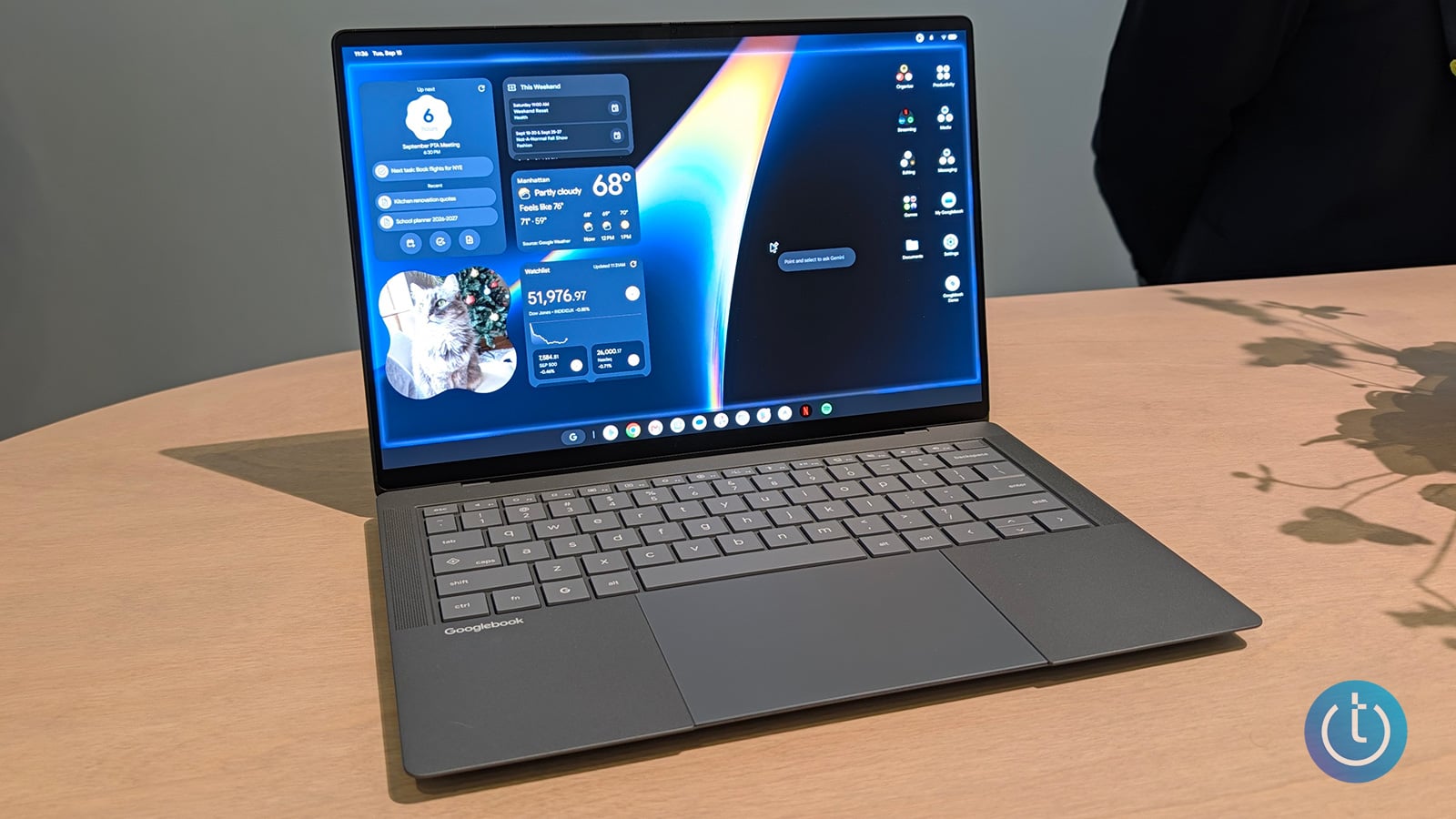 |
Best for creators Asus Googlebook 14
CPU/GPU: Intel Core Ultra 5 325 / Intel Graphics
NPU performance: Up to 49 TOPS
Display: 14-inch, 2880 × 1800 OLED touchscreen
Estimated battery life: Up to 16 hours
Weight: 2.2 pounds
Dimensions: 12.24 × 8.38 × 0.43–0.65 inches
Jump to details ↓ Starting Price: $1,299 |
| CHECK PRICE ON BEST BUY | |
|
|
|
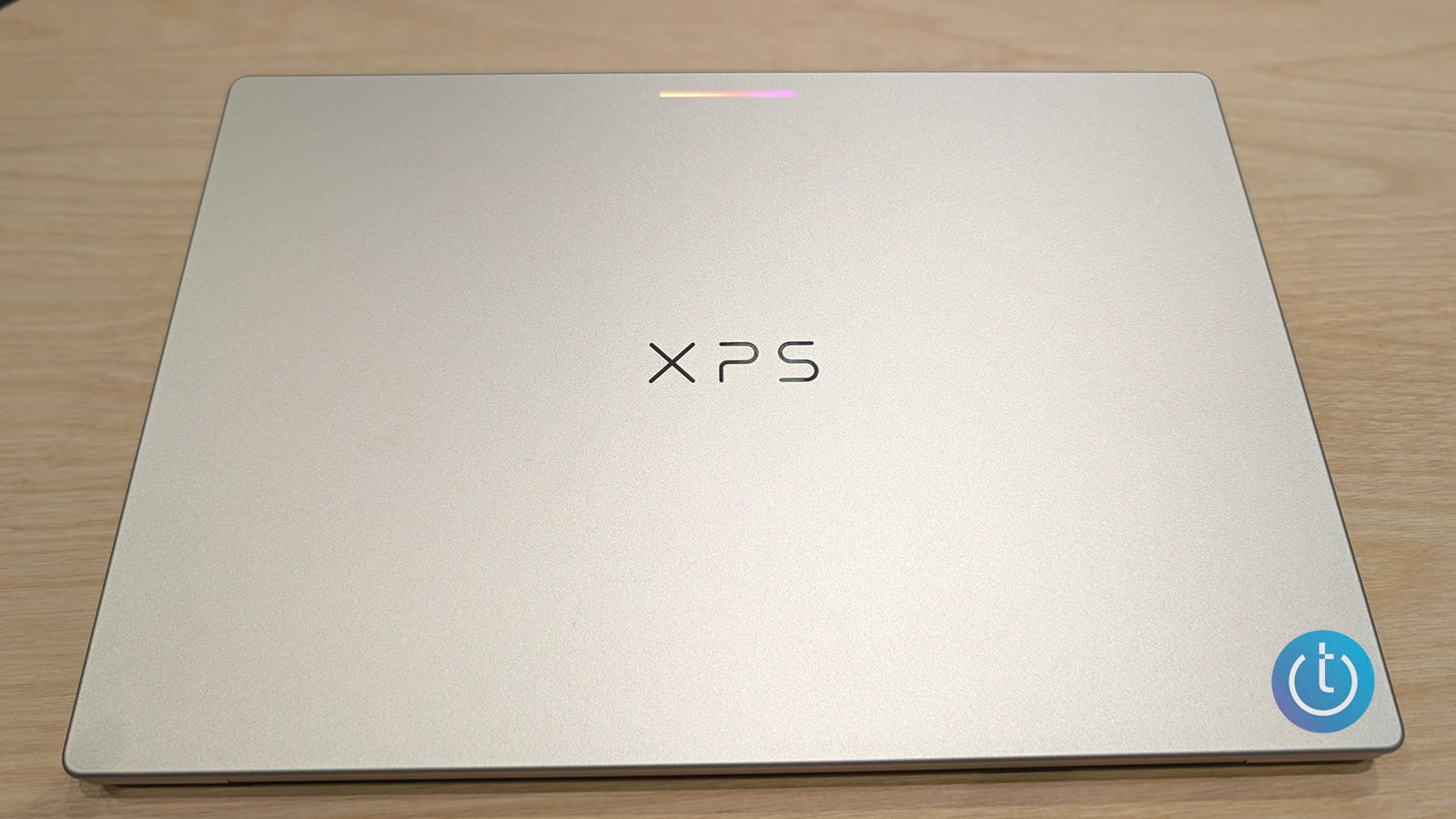 |
Best for all-day productivity Dell XPS Googlebook
CPU/GPU: Snapdragon X Elite X1E-80-100 / Qualcomm Adreno
NPU performance: Up to 45 TOPS
Display: 13.4-inch, 2560 × 1600 LCD touchscreen
Estimated battery life: Up to 18 hours
Weight: 2.2 pounds
Dimensions: 11.69 × 7.90 × 0.5 inches
Starting Price: $999 |
| CHECK PRICE ON BEST BUY | |
|
|
|
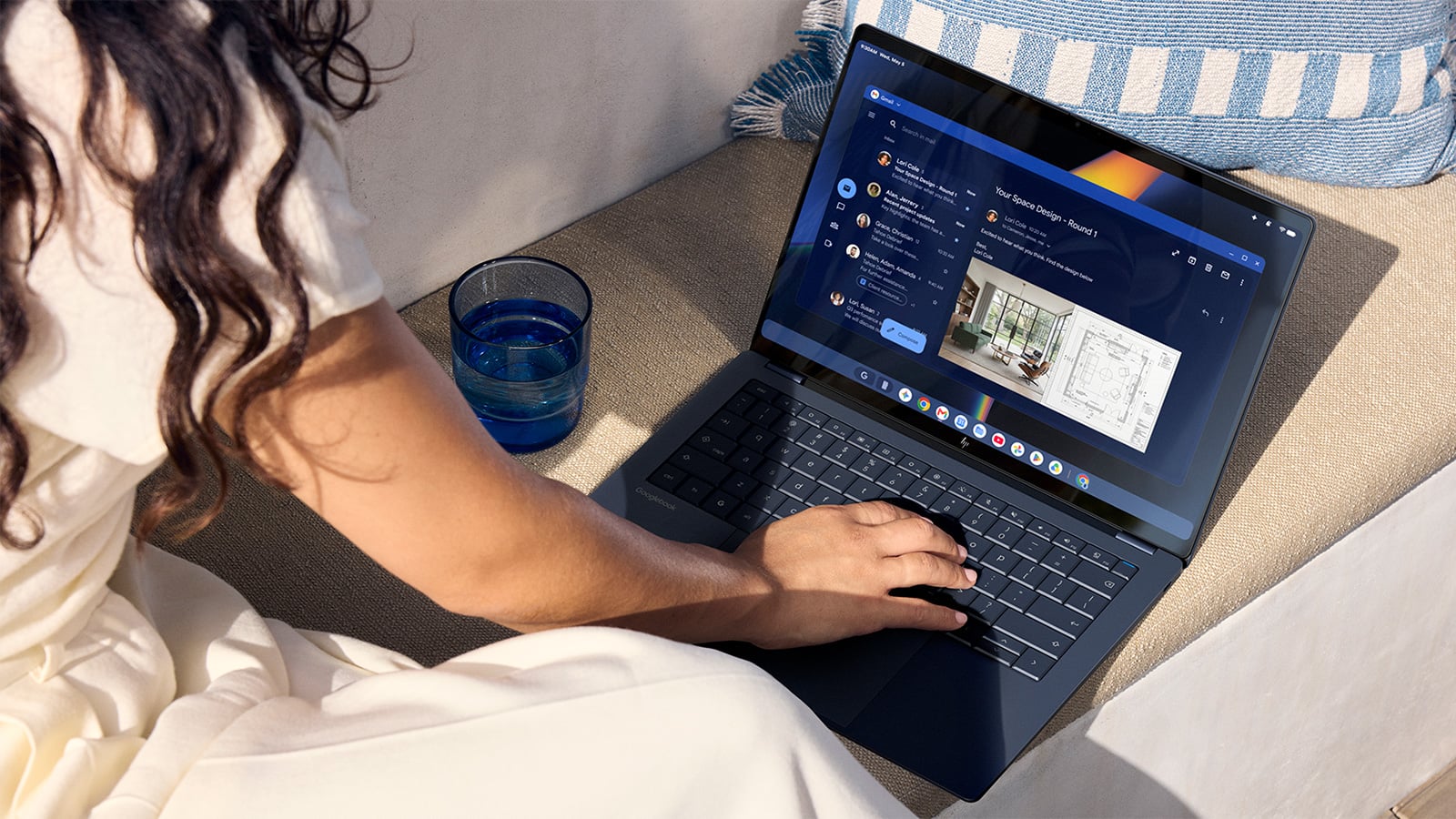 |
Best for all-day productivity HP Googlebook 14
CPU/GPU: Snapdragon X Elite / Qualcomm Adreno
NPU performance: Up to 45 TOPS
Display: 14-inch, 2880 × 1800 OLED touchscreen
Estimated battery life: Up to 19 hours
Weight: 2.74 pounds
Dimensions: 12.24 × 8.53 × 0.43 inches
Jump to details ↓ Starting Price: $1,299 |
| CHECK PRICE ON BEST BUY | |
|
|
|
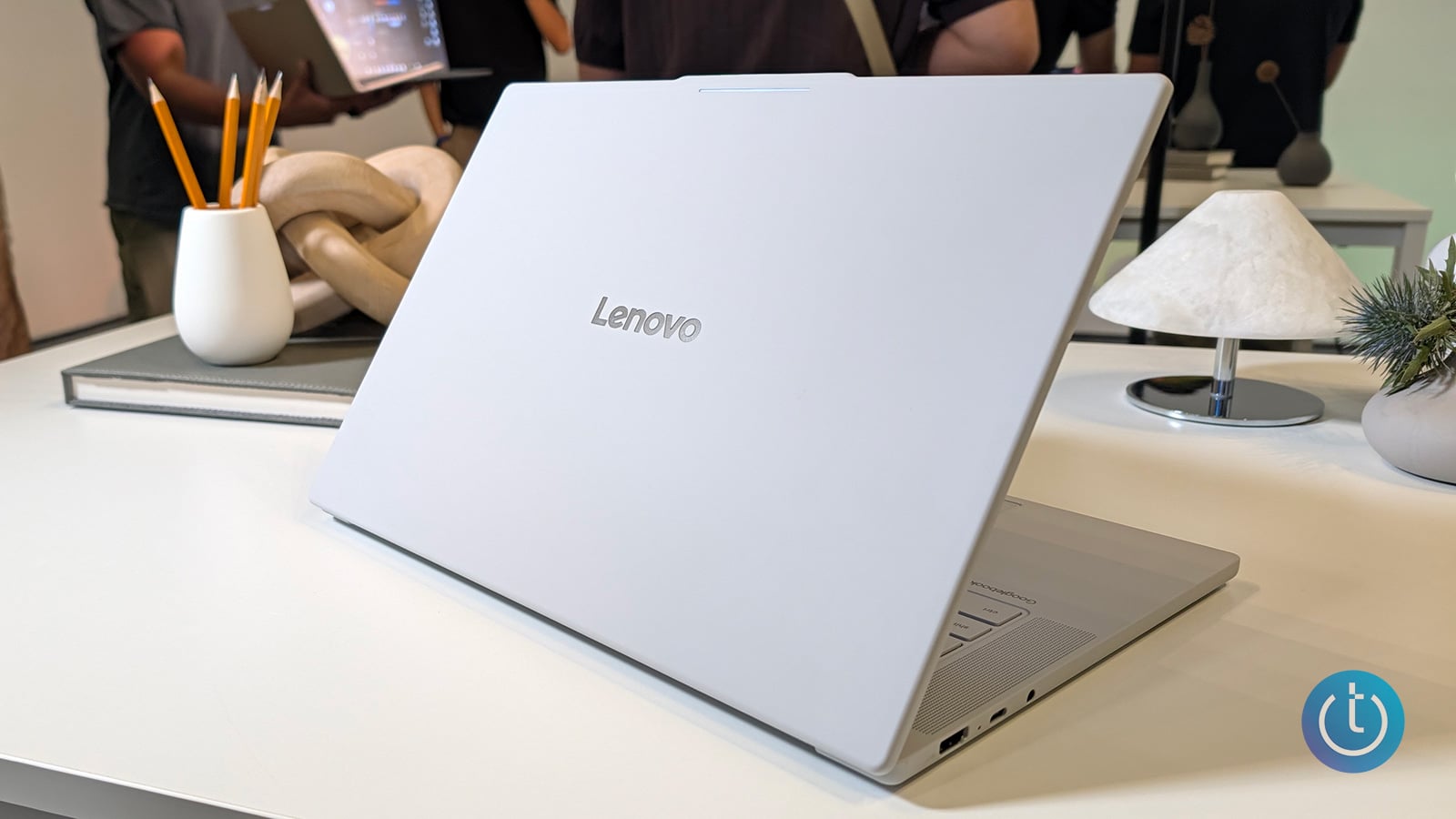 |
Best for big-screen multitasking Lenovo Googlebook 15
CPU/GPU: Intel Core Ultra 5 325 / Intel Graphics
NPU performance: Up to 47 TOPS
Display: 15.3-inch, 2880 × 1800 OLED touchscreen
Estimated battery life: Up to 13 hours
Weight: 2.84 pounds
Dimensions: 13.43 × 9.29 × 0.63 inches
Starting Price: $1,099 |
| CHECK PRICE ON BEST BUY | |
|
|
|
Image credit: Suzanne Kantra/Techlicious
Acer Googlebook 14: Best for value and versatility
In this premium lineup of laptops, the Acer Googlebook 14 offers the most value and versatility. At $899, the Acer has the lowest starting price, which should appeal to bargain hunters. It's also the only convertible Googlebook, which extends its use cases beyond your traditional clamshell design. Transforming the laptop into a tablet is a breeze, giving users a 14-inch display to interact with.
Although it's the most affordable offering, Acer didn't skimp on the specs, including a 2.8K OLED touch panel and an Intel Core Ultra 5 processor with an NPU rated at up to 47 TOPS. It's a great choice for students, mainstream users, people who are looking for functionality beyond a regular laptop, and of course, people who prioritize value.
Starting Price: $899
Image credit: Suzanne Kantra/Techlicious
Asus Googlebook 14: Best for mobile professionals
If not for the operating system, you wouldn't be faulted for mistaking the Asus Googlebook 14 for a ZenBook or ExpertBook, the company's business line of laptops. With a slate gray finish and a soft, sandpaper-like texture, this laptop is a treat for the eyes and fingers. At 2.2 pounds, it's one of the lightest Googlebooks. With an estimated battery life of 16 hours, the Asus has enough juice for two workdays, making it ideal for mobile professionals.
Asus leans into its premium classification with its 14-inch, 2880 x 1800 OLED display and Intel Core Ultra 5 CPU. It has the distinction of having the highest TOPS at 49. But this premium system is one of the most expensive, with a starting price of $1,299.
Starting Price: $1,299
Image credit: Suzanne Kantra/Techlicious
Dell XPS Googlebook: Best for creatives
If it's XPS, you know it's premium. Dell's making a statement by placing its take on the Googlebook under its XPS line. For years, XPS has been synonymous with high-end specs and features, and the Googlebook continues the streak. Its anodized aluminum, 2.2-pound chassis is sleek and lightweight, the kind of design that will appeal to creatives and executives alike. And a $999 price tag doesn't hurt either.
Powered by a Qualcomm Snapdragon X Elite X1E-80-100 processor, the Dell is ideal for creative and AI workloads with its 45 TOPS. But despite the 13.4-inch touchscreen display boasting a 2560 x 1600 resolution, the Dell is the only laptop that doesn't use OLED, opting for LCD instead. Support for apps such as Photoshop, Lightroom, and CapCut should make it useful for photo editing, video editing, and creating social content on the go. However, color-conscious creators may prefer one of the OLED-equipped Googlebooks.
Starting Price: $999
Image credit: HP
HP Googlebook 14: Best for all-day productivity
Some of us need a laptop that can go the distance and beyond. For them, there's the HP Googlebook 14, which has an estimated battery life of up to 19 hours thanks to its Snapdragon X Elite CPU, giving it the best endurance of this cohort. The HP is a strong option for anyone who regularly works away from an outlet.
And when you're not working on projects or creating content, you can kick back and watch a movie on the laptop's 14-inch, 2.8K OLED screen. At $1,299, it's one of the more expensive Googlebooks on the list, but it's worth it for people who want a long-lasting laptop with a super high-res display.
Starting Price: $1,299
Image credit: Suzanne Kantra/Techlicious
Lenovo Googlebook 15: Best for big-screen multitasking
Go big or go home. The Lenovo Googlebook 15 has the lineup's largest display: a 15.3-inch 2.8K OLED touchscreen. That extra screen space makes it a strong choice for writers, editors, spreadsheet users, and anyone who frequently works without an external monitor. It also features an Intel Core Ultra 5 processor with an NPU delivering up to 47 TOPS, plus fingerprint and facial recognition.
Starting at $1,099, the Lenovo sits in the middle of the Googlebook price range. Its 2.84-pound weight is relatively light for a 15-inch laptop, but it has the largest footprint and the shortest estimated battery life in the group at 13 hours. It's the best fit for shoppers who value screen space and productivity over maximum portability or battery life.
Starting Price: $1,099
What Googlebook should I buy?
It depends on your priorities. The Acer is the most affordable option and the only convertible, which makes it more versatile than the other options. The Asus combines an ultralight design with an OLED display, making it a great option for anyone who's constantly on the go. The Dell XPS offers the strongest balance of design and performance for creative work. Go with the HP if staying away from an outlet is your top priority, or the Lenovo if you want the largest screen for work and multitasking.
Google has made the first Googlebook decision surprisingly straightforward. The larger question is whether Googlebook's Android integration and Gemini tools are useful enough to justify choosing one over an established Windows laptop, MacBook, or Chromebook.

