

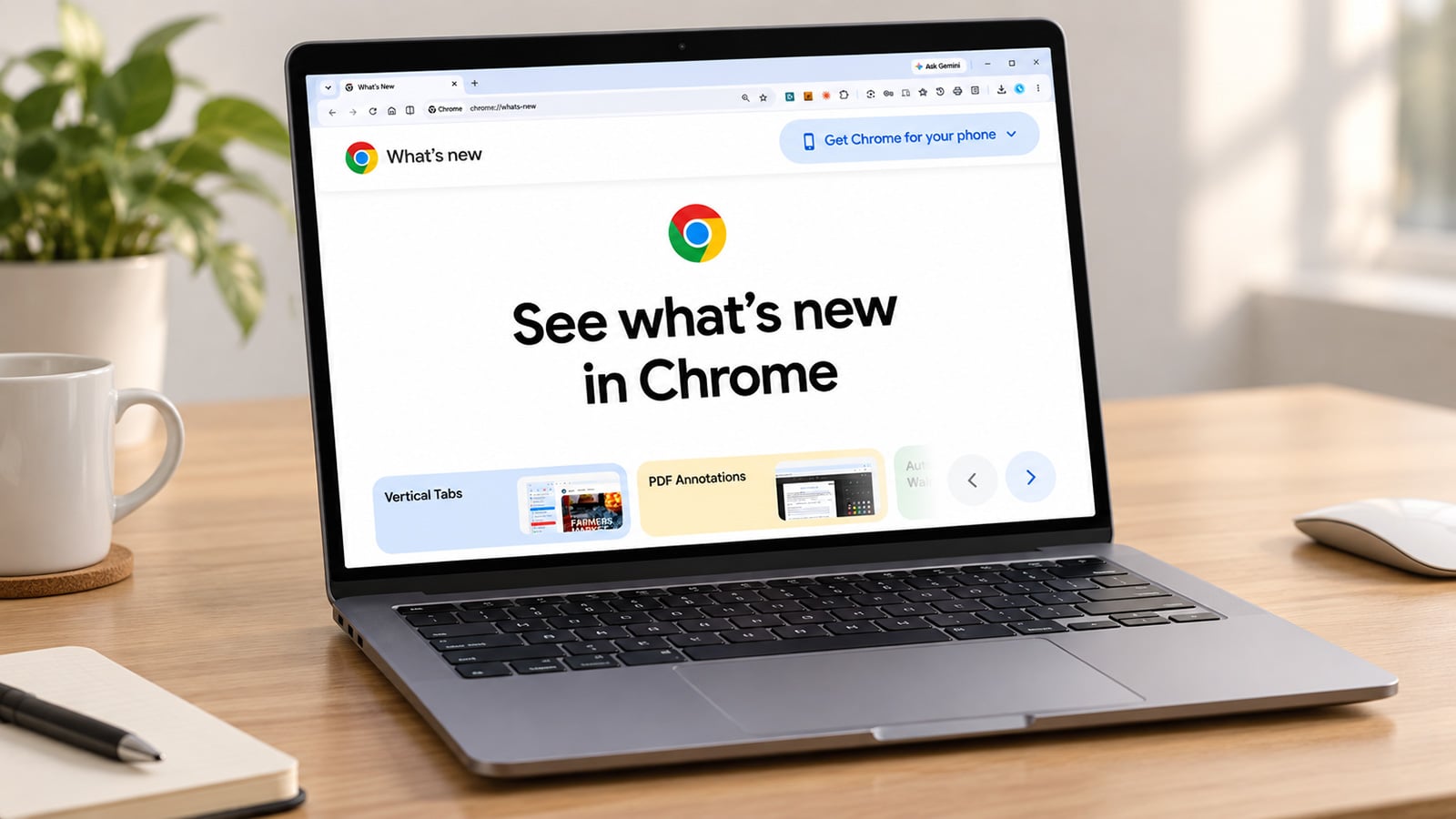
Image credit: Suzanne Kantra/Techlicious composited by ChatGPT
Google released Chrome 154 this week, closing 108 security holes in the browser more than three billion people use every day. Eleven of those flaws are rated critical, Google's highest severity level.
All 11 critical bugs are memory-corruption flaws: coding errors that let a webpage write more data into a piece of Chrome's memory than it's supposed to hold, or reach back into memory the browser already freed up. Either area of vulnerability can allow an attacker's own code execute inside Chrome, using the same access to your computer the browser itself has, just from opening a webpage.
Chrome updates itself automatically in the background, so you may have already downloaded the patch. However, the fix only takes effect after you restart the browser. Google says this update is rolling out gradually over the coming days.
To check where you stand, open Chrome's menu (the three dots in the top right corner), then Help, then About Google Chrome. That screen shows your current version number and starts downloading any pending update on its own. If it installs one, close and reopen the browser to finish the job.
The fix covers Chrome on Windows, Mac, and Linux. If you're on Android or iOS, check your phone's app store for a pending Chrome update, too, since mobile versions ship on their own schedule. And if you use a Chromium-based browser other than Chrome itself, such as Microsoft Edge, Brave, or Opera, watch for a similar update from that browser maker in the coming days, since they typically pull in Google's underlying security fixes on their own timeline.
Read next: Best antivirus software 2026: free and paid picks

