

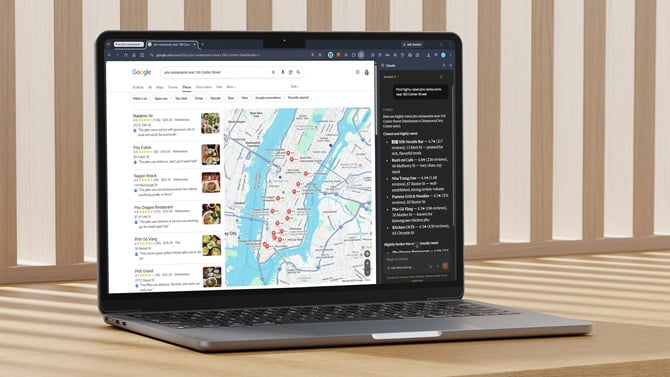
Screenshot via Suzanne Kantra/Techlicious, laptop mockup via Canva
Anthropic's Claude for Chrome, a browser extension that lets the Claude AI assistant read a webpage and take actions like filling out forms or summarizing your inbox, has two unpatched security flaws that let a malicious browser extension trick it into handing over your Gmail, Google Docs, and Calendar data, according to security researchers at Manifold Security and reporting from SecurityWeek and The Hacker News.
Researchers reported both flaws to Anthropic in May. Neither has been fixed across eight versions released since, including the current version, 1.0.80, which shipped July 7.
The first flaw involves how Claude for Chrome listens for a user to click a specific onboarding button before it acts. That click handler never confirms the click actually came from a real person tapping the screen, so any other extension installed in your browser that can run code on claude.ai can fake that click with a few lines of JavaScript (the scripting language that runs inside web pages) and trigger Claude into carrying out a command as if you had asked for it yourself.
The second flaw lets an extension push Claude's side panel into what researchers describe as a privileged mode that skips normal permission checks, simply by loading a specific web address. Claude does show a warning banner once that mode activates, but by then the extension has already gained the access it wanted.
Put together, the two flaws mean a browser extension you already have installed, one with no connection to Anthropic, could read your Gmail messages, Google Docs files, and calendar entries without your knowledge, without you clicking anything or approving a single prompt.
Anthropic told researchers it reviewed both reports within a day, then closed them. The company's stated reasoning: the fake-click issue was already covered by a separate internal report, and the privileged-mode flaw couldn't be reached by anything outside Anthropic's own systems. Independent researchers dispute that second point, and both flaws remain reproducible in the current release as of this week.
If you use Claude for Chrome, the safest move right now is to check which other browser extensions you have installed and remove anything you don't recognize or actively use. The attack depends on a second malicious extension already sitting in your browser. Disabling Claude for Chrome entirely, or granting it access only when you're actively using it, removes the risk until Anthropic ships a fix.
Read next: Best antivirus software 2026: free and paid picks

