

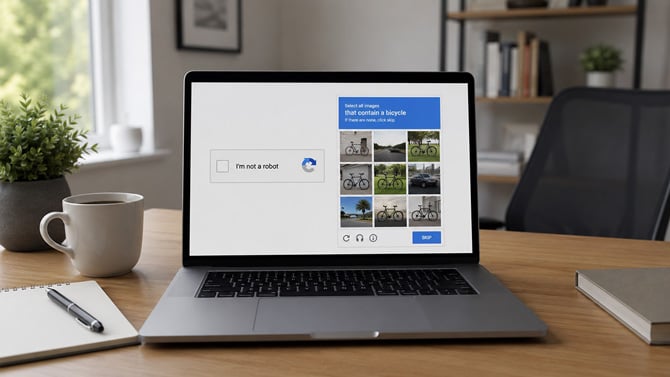
The Federal Trade Commission issued an alert this week about hackers using fake CAPTCHAs to trick you into installing malware designed to steal your saved passwords, banking credentials, crypto wallets, and browser cookies.
We first reported this threat in 2024, when the threat started targeting Windows users. By May 2025, it had spread to macOS as well. The FTC catching up to it now tells you how mainstream this has become.
The scam works because fake CAPTCHAs look legitimate. You land on a compromised or spoofed site and see what appears to be a routine security check asking you to verify you're human. But instead of clicking traffic lights or typing distorted characters, the fake version asks you to enter a sequence of keyboard commands. On Windows, that means pressing Windows+R to open the Run dialog, then Ctrl+V to paste a command that was silently loaded to your clipboard, then Enter to execute it. Three keystrokes and you've just run a PowerShell script that fetches and installs malware. This type of attack is also called a Scam-Yourself Attack, because you're the one doing the installing.
If you followed those steps, move fast. Disconnect from the internet first. That cuts off the malware's ability to transmit your data back to the hackers. Then run a full scan with your antivirus software – in our testing, Bitdefender caught the malware before it could fully execute. After that, from a separate, clean device, change your passwords and turn on two-factor authentication on your accounts, in case credentials were already sent before you disconnected.
The dead giveaway in this scam is Ctrl+V. That's a paste command, and it has no business appearing in any CAPTCHA. If a security check asks you to use keyboard shortcuts, open system tools, or do anything beyond clicking pictures or typing characters, close the tab.
[Image credit: Suzanne Kantra/Techlicious generated by ChatGPT]

